AccuLynx Roofing Software: Full Review
AccuLynx roofing software is one of the most purpose-built platforms for roofing contractors on the market, and that specificity is exactly what makes it worth…
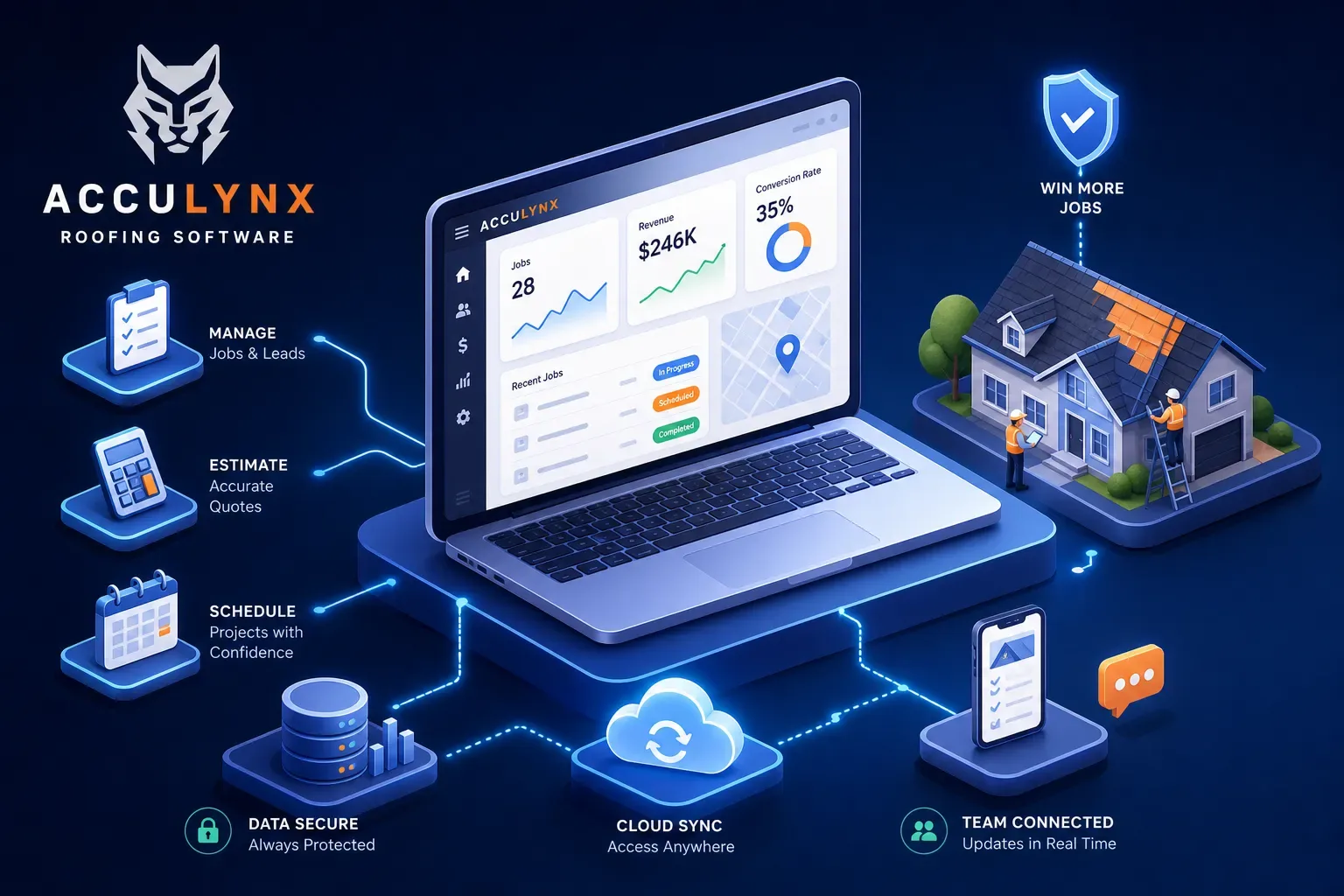
AccuLynx roofing software is one of the most purpose-built platforms for roofing contractors on the market, and that specificity is exactly what makes it worth a serious look. Most field service management tools try to serve every trade under the sun. AccuLynx chose a lane and stayed in it. That decision shapes everything about the platform, from how estimates are built to how insurance supplements are tracked.
This review covers what AccuLynx actually does, what it actually costs once add-ons enter the picture, what real users say after living in it daily, and how it holds up against the main alternatives. At Maximus, we work closely with home services operators who've cycled through every software combination imaginable, so we've watched these platform decisions play out in real shops. Here's a straight look at whether this tool fits yours.
AccuLynx Roofing Software: Key Features and What It Actually Does
AccuLynx was built specifically for roofing, and that focus shows up in every module. This isn't a generic field service management tool with a roofing skin applied on top. The platform covers the full lead-to-close pipeline, and for a roofing-specific workflow, it's genuinely impressive in its depth.
AccuLynx CRM, Estimating, and Aerial Measurement Tools
The AccuLynx CRM module tracks leads, contacts, pipeline stages, and interaction history from first call to signed contract. Estimating pulls from material libraries and customizable templates. The real time-saver is aerial measurement integration. AccuLynx connects directly with EagleView, Hover, Geospan, and GAF QuickMeasure, letting you order a measurement report inside the platform and feed that data automatically into an estimate. That eliminates a significant amount of manual entry and is one of AccuLynx's clearest competitive advantages over broad-market tools that don't speak roofing natively.
AccuLynx Field App, Photo Management, and Document Handling
The AccuLynx Field app gives field crews access to job updates, task assignments, notes, and photo capture with annotation. SmartDocs handles e-signatures and contract generation so paperwork doesn't require a trip back to the office. Photo management keeps job albums organized and shared across the office and field teams, which matters when you're managing multiple active jobs simultaneously. The mobile field app is functional, though it comes with some caveats worth knowing before you commit, which we'll get into when we hit user reviews.
How AccuLynx Handles Job Tracking and Production Management
This is where AccuLynx separates itself from lighter-weight CRMs like JobNimbus and general tools like Jobber. The production management feature set is roofing-specific in a way that matters operationally, not just on a feature checklist.
Production Calendars, Job Milestones, and Crew Scheduling
AccuLynx gives you a production calendar, crew coordination tools, job milestones, and task workflows that move a job from signed contract to project close-out with checkpoint visibility for both the office and the field. The insurance restoration workflow is a genuine built-in strength, not an afterthought. The platform includes a dedicated Supplement Tracker with statuses covering the full cycle: requested, under review, pending re-inspection, need more information, approved, and completed. For shops that run heavy on storm and insurance work, this is the feature that often tips the decision toward AccuLynx over everything else in the category.
Material Ordering and Supplier Integrations
AccuLynx integrations extend to major roofing suppliers including ABC Supply, SRS Distribution, Beacon Building Products, and QXO, keeping procurement tied to the job record rather than floating in a separate vendor portal or a spreadsheet. For shops running five or ten active jobs simultaneously, having material orders linked to the job file reduces the operational chaos that comes from managing procurement out of email threads. It's a practical time-saver that shows up clearly when you're scaling past a few crews.
AccuLynx Roofing Software Pricing and Add-On Costs
AccuLynx pricing is not fully transparent, and the gap between the advertised number and the real monthly cost can be significant once add-ons are factored in. Most review sites gloss over this part of the cost picture. This section does not.
Base Tiers and Per-User Fees
The Essential plan starts at $250 per month, and that's the only number AccuLynx publishes openly. Pro and Elite are custom-quote plans, negotiated based on team size, feature selection, and contract length. Third-party sources estimate the per-user fee structure at roughly $60 to $120 per user per month for higher tiers, though AccuLynx doesn't confirm those numbers publicly. Run the math on a 10-person team on Pro and you're potentially sitting well above $1,000 per month before a single add-on enters the picture.
The Add-On Cost Reality
This is where the real-world cost diverges from the entry price. The most commonly reported paid add-ons that shops end up needing in practice include:
- SmartDocs (e-signatures and document generation)
- Customer Portal
- Texting and SMS communication
- AccuPay (payment processing)
- AccuFi (financing)
- ReportsPlus and DataMart (enhanced reporting and business intelligence)
- Mobile Crew App
- AppConnections (integrations layer)
EagleView measurement reports are also billed separately outside the subscription. Budget for significantly more than the Essential plan price suggests, especially if your office relies on e-signatures, SMS communication with customers, and enhanced reporting. For a shop evaluating AccuLynx seriously, get a full quote with every add-on you expect to use before making a commitment.
AccuLynx Roofing Software: Pros and Cons from Real Users
Pull up the G2 and Capterra pages yourself and the pattern is consistent: AccuLynx is a solid operational tool for roofing, but with predictable friction points that show up across multiple sources.
Where AccuLynx Earns Consistent Praise
Users consistently call out organization, job tracking, and keeping office and field teams aligned on the same information. Customer support earns unusually strong marks for a software company: reviewers describe the support team as responsive and genuinely helpful when issues come up. That's a meaningful differentiator in a space where support quality often deteriorates after the sale. Ease of use is also mentioned regularly, particularly for teams that have completed the onboarding process and settled into their workflows.
The Complaints That Keep Coming Up
Three issues dominate the negative reviews across platforms. First, pricing: the per-user fees combined with add-on costs make AccuLynx expensive, and several users feel that features they consider basic shouldn't require a separate purchase to unlock. Second, the mobile app: field users describe it as buggy, slow, and inconsistent, with photo upload problems and layouts that don't mirror the desktop experience. This complaint appears frequently enough across G2, Capterra, and app store reviews that it's not an outlier.
Third, email notifications: missed alerts and unreliable delivery create workflow gaps that require manual follow-up to catch. None of these are dealbreakers for every shop, but they're worth knowing before you sign a contract.
How AccuLynx Compares to the Main Alternatives
The comparison landscape breaks into two groups: platforms that do more than AccuLynx, and platforms that do less but cost less. Where AccuLynx fits depends entirely on what your shop actually needs.
ServiceTitan and JobNimbus: The Closest Roofing-Adjacent Comparisons
ServiceTitan is the enterprise play. It has deeper dispatch, cross-trade workflows, and reporting infrastructure, but it comes with a matching price tag: user-reported costs of $245 to $398 per tech per month plus implementation fees that can run five figures and an annual contract requirement. For a roofing-only shop under 20 techs, ServiceTitan is rarely the right fit unless you're actively managing multiple trades or planning for aggressive enterprise-level growth. JobNimbus sits on the other end of the comparison. It's simpler, often runs $30 to $45 per user per month in market comparisons, and works well for roofing teams that don't need insurance restoration workflows or deep production management. Less feature-rich than AccuLynx, but easier to adopt and easier on the budget.
Jobber, Roofr, and iRoofing: Where Scope Narrows Further
Jobber is a broad small-business service tool with a public starting price around $39 per month. It handles scheduling and invoicing well, but it lacks roofing-specific estimating, insurance supplement workflows, and the aerial measurement integrations that matter for a roofing shop. Roofr is a measurement-and-estimating specialist, not a full CRM. iRoofing is primarily a pre-sale presentation and measurement app. If you need the full pipeline from lead to production close-out, AccuLynx holds up better than any of these three. If you only need one piece of that pipeline covered, one of the specialists might be a more efficient buy.
The Piece Most Roofing Software Stacks Are Still Missing
Choosing the right platform is the right problem to focus on, but it's not the whole problem. Here's what often gets overlooked in that decision: AccuLynx roofing software, like every other platform in this category, manages the work that's already in the system. It doesn't answer the call at 9:45pm from a homeowner whose roof is leaking after a storm. It doesn't follow up on the invoice sitting at 47 days unpaid. It doesn't walk you through overnight activity before your first crew truck leaves the yard.
What FSM Software Handles vs. What It Doesn't
AccuLynx is built to manage jobs, not to run the front office. It tracks what's happening on jobs you've already won. The calls you're missing after hours, the aging accounts receivable sitting in your books, and the operational summary you never have time to pull, those live entirely outside the platform's scope. No amount of add-ons changes that fundamental design boundary.
How an AI Front Office Layer Fills That Gap
That's where a platform like Maximus comes in. Maximus is an AI-powered front office and back office automation platform built specifically for home services operators, designed to sit on top of whatever FSM software a shop is already running. It handles inbound calls around the clock, follows up on invoices past 30 and 60 days, runs dormant customer reactivation campaigns from your QuickBooks history, and delivers a morning briefing before the day starts so you know exactly what happened overnight and what needs attention. It doesn't replace AccuLynx or any other job management platform. It handles the operational layer those platforms were never designed to cover. If you want to see what that looks like in your shop, talk to us.
The Bottom Line on AccuLynx Roofing Software
For a roofing contractor who needs a purpose-built platform with real estimating depth, insurance restoration workflows, aerial measurement integrations, and structured production management, AccuLynx roofing software is one of the strongest options on the market. It's not the cheapest choice, the mobile app has meaningful room to improve, and the add-on cost model rewards careful budgeting before you commit. But for the right shop size and workflow complexity, the roofing-specific feature set is hard to match.
If you're running a smaller operation and don't need the full workflow depth, JobNimbus or Jobber can likely get you there for less money and less complexity. If you're scaling toward enterprise operations across multiple trades, ServiceTitan is worth the conversation. And whichever platform you land on, make sure the front office side of your operation isn't treated as an afterthought. The software manages the jobs. Someone, or something, still has to manage everything that happens before and after them.