AI Tools for Your HVAC Business: What Works in 2026
Most HVAC owner-operators are not short on revenue potential. They are short on systems that work while they are on a roof or driving between calls.
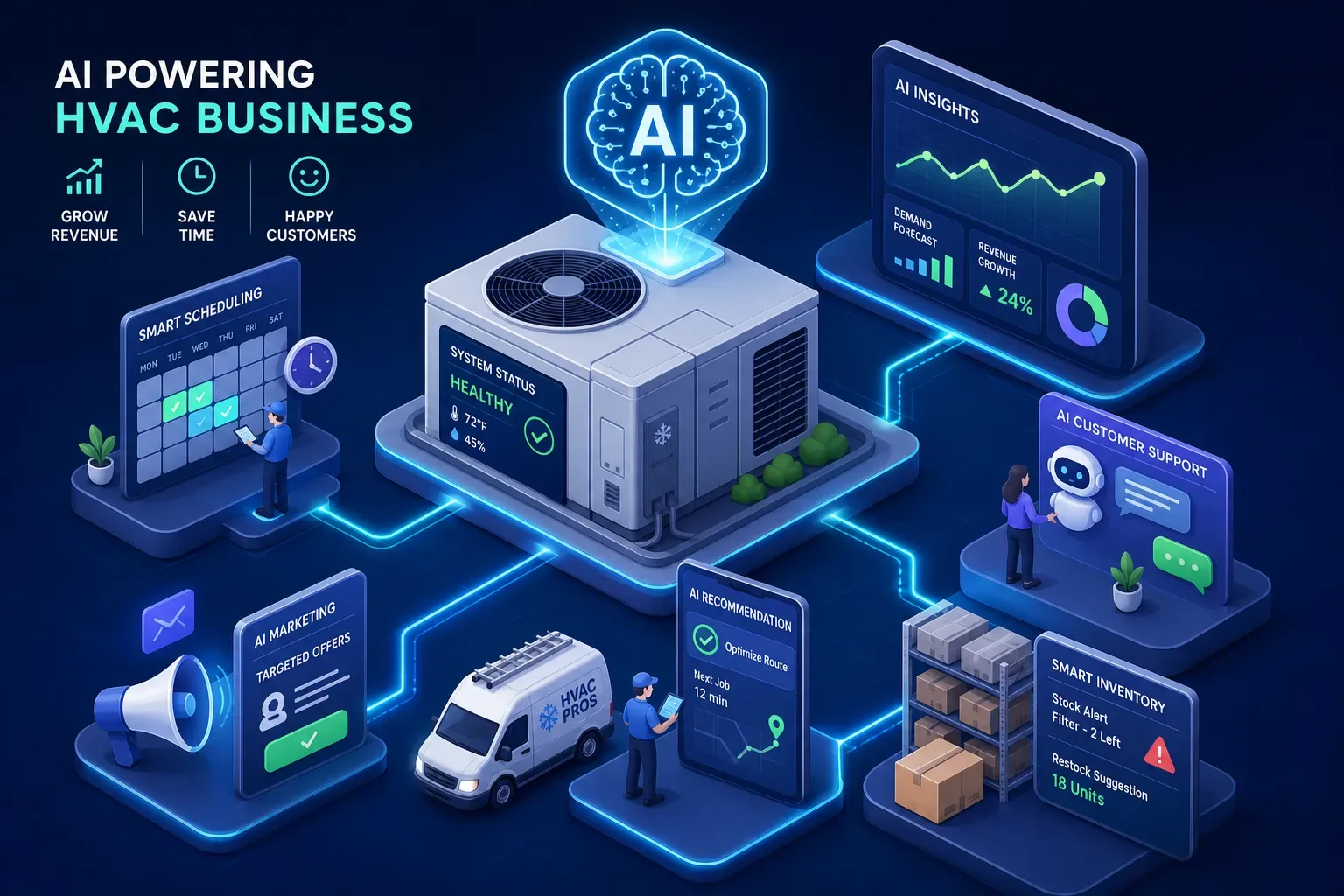
Most HVAC owner-operators are not short on revenue potential. They are short on systems that work while they are on a roof or driving between calls. The money being lost is not theoretical, it is sitting in unanswered after-hours calls, invoices past 60 days, and a customer list full of people who haven't heard from you in two years. The AI tools HVAC business owners are actually putting to work in 2026 do not require a tech background or a six-month rollout. They plug specific, expensive holes in your operation.
AI built for HVAC businesses is not a future trend in 2026. It is a practical answer to a very specific set of operational problems that small shops have been losing money on for years. Industry data suggests only about 12% of HVAC contractors have embedded AI into their daily workflows, which means the majority of independent operators are still running their front office the way they always have: manually, reactively, and at the mercy of whoever picks up the phone. This article breaks down the categories that matter, names the tools worth knowing, and shows you where to start.
What Most HVAC Shops Are Actually Bleeding Money On
Before you evaluate any tool, name the real leaks. The AI conversation in the trades tends to drift toward buzzwords and demos. The more useful question is: where is money leaving your business right now, and can you put a dollar amount on it?
The After-Hours Call Problem
Calls after 5pm and on weekends go to voicemail. Your competitor, who has live or AI answering, picks up that same call and books the job. At a residential average ticket of around $300 and a 40% close rate, each missed call costs you roughly $120 in lost revenue. Do that math across a busy summer week and you are talking about thousands of dollars in work that walked out the door because no one answered. One vendor-published AI implementation case study reported that 90% of previously missed calls were captured after AI answering was deployed.
Aging AR: Money Already Earned but Not Collected
Collection rates follow a consistent pattern: roughly 94% at 30 days, 84% at 60 days, and 74% at 90 days. A shop doing $2M annually with just 5% of revenue sitting in AR past 60 days is looking at $100,000 in delayed or at-risk cash. Most small shops are not actively chasing those invoices because no one has bandwidth for it. Without automated follow-up, that money gets written off or chased sporadically, and the 90-day window closes fast.
Running Blind Without Daily Numbers
The typical owner-operator morning involves checking in with the dispatcher, piecing together yesterday's revenue from memory, and reacting to whatever is loudest. There is no daily brief, no automatic flag on the job that was underquoted, and no summary of what the business actually produced overnight. That is not a small inefficiency. It is a structural blind spot that compounds every day the business runs without it.
AI Call Answering: The AI Tools HVAC Business Owners See ROI on Fastest
This is the category with the fastest, most direct revenue impact for owner-operators. Calls answered mean jobs booked. The tools in this category handle inbound call routing, appointment booking, and lead capture without a human receptionist sitting at a desk.
What These Tools Actually Do
A good AI answering service, effectively a chatbot for HVAC business operations, sounds natural, captures job details during the call, qualifies the lead, and pushes the booking into your field service management system without you touching it. The best ones do this at 2am on a Saturday the same way they do it on a Tuesday morning. That consistency is what closes the revenue gap that voicemail creates.
Point Solutions Worth Knowing
Several tools compete in this space. Smith.ai carries a 4.9/5 rating on G2 and integrates with Jobber, Housecall Pro, and ServiceTitan (per G2 and vendor integration documentation). Dialzara sits at 4.6/5 on Trustpilot with integration across the same three platforms. Goodcall integrates with ServiceTitan via API. These tools generally run in the $200 to $500 per month range, though pricing varies by plan and call volume. They answer calls, which is valuable. But they stop there. They do not chase invoices, they do not brief you in the morning, and they do not connect your call data to anything else happening in the business.
How Maximus Handles This Differently
Maximus answers calls 24/7 and books jobs. It was built and tested inside Temperature Pros Orlando, an actual HVAC company, not a generic call-center platform repurposed for the trades. It integrates with Jobber, Housecall Pro, and ServiceTitan. Every inbound call connects to a broader operational picture, including aging AR, morning briefings, and customer history. That connection is what separates a point solution from a platform.
Scheduling and Dispatch: AI Tools HVAC Business Operators Use to Reclaim Time
The 2026 versions of scheduling AI inside FSM platforms are meaningfully different from what existed two years ago. Features like real-time telematics inputs, skill-based routing, and predictive job-duration modeling have matured significantly. The gap between a small shop using Jobber and a growing operation on ServiceTitan is significant, and the right choice depends on where you are in the revenue range.
ServiceTitan Atlas and Dispatch Pro
Atlas uses technician skill, location, job type, and customer history to assign and route jobs. These are vendor-reported metrics, but they are worth knowing: one ServiceTitan case study showed a 47% reduction in drive time between appointments, with revenue growing from $2.4M to $4.8M annually and scheduling time dropping from 20-plus hours per week to three. ServiceTitan is also priced for operations that can absorb $245 to $500 per technician per month, which makes it the right tool for shops that have already scaled, not shops trying to get there.
Jobber and Housecall Pro for Smaller Shops
Jobber and Housecall Pro offer AI-assisted scheduling at a significantly lower price point, Housecall Pro starts at around $65 per month and scales with team size (check current pricing pages, as these figures change). For shops under $2M, these are the realistic entry points. The scheduling features are not as deep as ServiceTitan's, but the cost-to-value ratio is far more appropriate for an owner-operator who is not yet ready to absorb enterprise software fees.
What Scheduling AI Won't Do for You
Scheduling AI optimizes routes and job assignments. That is genuinely useful. But it does not recover revenue from past customers, does not chase your unpaid invoices, and does not tell you what happened in your business overnight. It is one piece of the picture, not the whole answer. Treating it as the solution to all your operational problems will leave you disappointed and still missing the leaks.
Accounts Receivable: Recovering Money Already on Your Books
This is the most overlooked category in the HVAC AI conversation. Most owners are focused on getting the next job. The money from the last job, the one sitting in a 60-day invoice with no follow-up, rarely gets the same attention.
What Aging AR Actually Costs a Small HVAC Shop
The math is straightforward. A shop doing $2M annually with 5% of revenue in AR past 60 days is holding $100,000 in delayed cash. At 90 days, the collection rate drops to around 74%, meaning roughly a quarter of that money becomes very difficult to collect without significant effort. Without automated follow-up, most of it gets written off or chased inconsistently when the owner has a slow moment. That moment rarely comes.
How AI Invoice Follow-Up Works in Practice
AI-powered AR tools monitor invoice age against thresholds at 30, 60, and 90 days, send personalized follow-up messages, flag the owner when escalation is needed, and log all activity. Integration with QuickBooks is the standard connection point. Vendor-reported data indicates businesses using automated AR reminders collect 15 to 20% faster than those without automation, and structured follow-up resolves 40 to 60% of overdue invoices without human effort. Maximus collected $12,400 in aging AR within 90 days at a single HVAC shop without adding any office staff. That is a vendor-documented result, not a projection. It happened.
Business Intelligence and Daily Operations Briefing Tools
Owners are drowning in data they cannot act on. Most shops generate useful operational information every day inside their FSM and accounting software. Almost none of it surfaces automatically in a format the owner can use at 7am before the first truck rolls.
What a Useful Daily Briefing Actually Includes
The Maximus morning briefing covers overnight call activity, jobs booked, urgent AR flags, review alerts, and any compliance or certification issues flagged automatically. It replaces the process of logging into three separate systems to piece together the same information manually. High-performing HVAC owner-operators typically track six to ten daily metrics: call answer rate, schedule fill rate, jobs completed, revenue per technician, average ticket, and open estimates aging past five days. Getting those numbers delivered automatically, rather than hunted down, is not a luxury. It is how you run the business instead of just working in it.
Dormant Customer Reactivation as a Revenue Lever
AI platforms connected to QuickBooks history can identify customers who haven't booked in 18-plus months and run targeted reactivation outreach automatically. Maximus recovered $31,000 from a single reactivation campaign at Temperature Pros Orlando (vendor-documented result). That campaign ran from data already sitting in the system, no new leads, no ad spend. Just customers who were already there and hadn't been contacted. ServiceTitan Marketing Pro and Hatch cover similar ground for high-volume campaign management, but both require ServiceTitan as the FSM and are priced for operations running larger contact volumes. For smaller shops, they are often more than the situation calls for.
All-in-One Platform vs. Stacking Point Solutions
The honest question every owner-operator eventually faces is whether to buy five tools that each do one thing well or find a single platform that covers the ground. The answer depends on how much you want to spend managing integrations versus running your business.
What a Typical AI Tool Stack Looks Like and What It Costs
A representative DIY stack runs about $700 per month before setup fees: an AI answering service at $300, a scheduling AI add-on at $150, an AR follow-up tool at $100, and a reporting dashboard at $150. These are illustrative figures, actual prices vary across vendors and plans. That estimate also does not account for the time spent managing four separate logins, four separate vendor relationships, and the manual work required when those tools need to share data they were never built to share with each other.
Why Integration Matters More Than Individual Features
When call data, AR data, job data, and customer history live in separate tools, the owner still has to connect the dots. The value of a platform like Maximus is not that every individual feature is the strongest standalone option in its category. It is that everything feeds into one operational layer that sits on top of your existing FSM software rather than replacing it. The call that came in at 11pm connects to the invoice that is 45 days past due connects to the customer who hasn't booked in over two years. That connection does not happen when the tools don't talk.
How to Start Without Disrupting Your Operation
Audit one revenue leak first. Pick the most expensive one: missed calls, aging AR, or dormant customers. Pilot one tool against that specific problem. Measure the result in 30 days. Then expand.
Maximus deploys in 48 hours with training on your shop's pricing, service area, and staff, which makes it a low-disruption starting point for the owner who cannot afford a multi-month implementation project. The founding cohort is limited to 20 shops in the $1M to $5M revenue range, with monthly one-on-one working sessions with the founder, operator to operator.
Start With the Problem Costing You the Most Money
The right AI tools for your HVAC business are the ones that plug the most expensive hole in your operation, starting now, not after a lengthy evaluation. Owner-operators in the $1M to $5M range have specific problems: missed calls, slow AR, no daily visibility, and customers who haven't been contacted in years. The tools covered in this article address all of those problems individually.
Maximus addresses them together, and it was built by people who run the same kind of shop you do. The proof is not a demo or a slide deck. It is $31,000 recovered from a reactivation campaign and $12,400 collected from aging invoices inside a real HVAC operation. If you are weighing which AI tools for your HVAC business deserve a 30-day trial, start with the problem costing you the most money. Pick the tool that solves it. Measure it. Then build from there.