Best HVAC Customer Management Software for Small Businesses
The best HVAC customer management software for small businesses should do more than record jobs, it should answer calls, chase invoices, and keep customers…
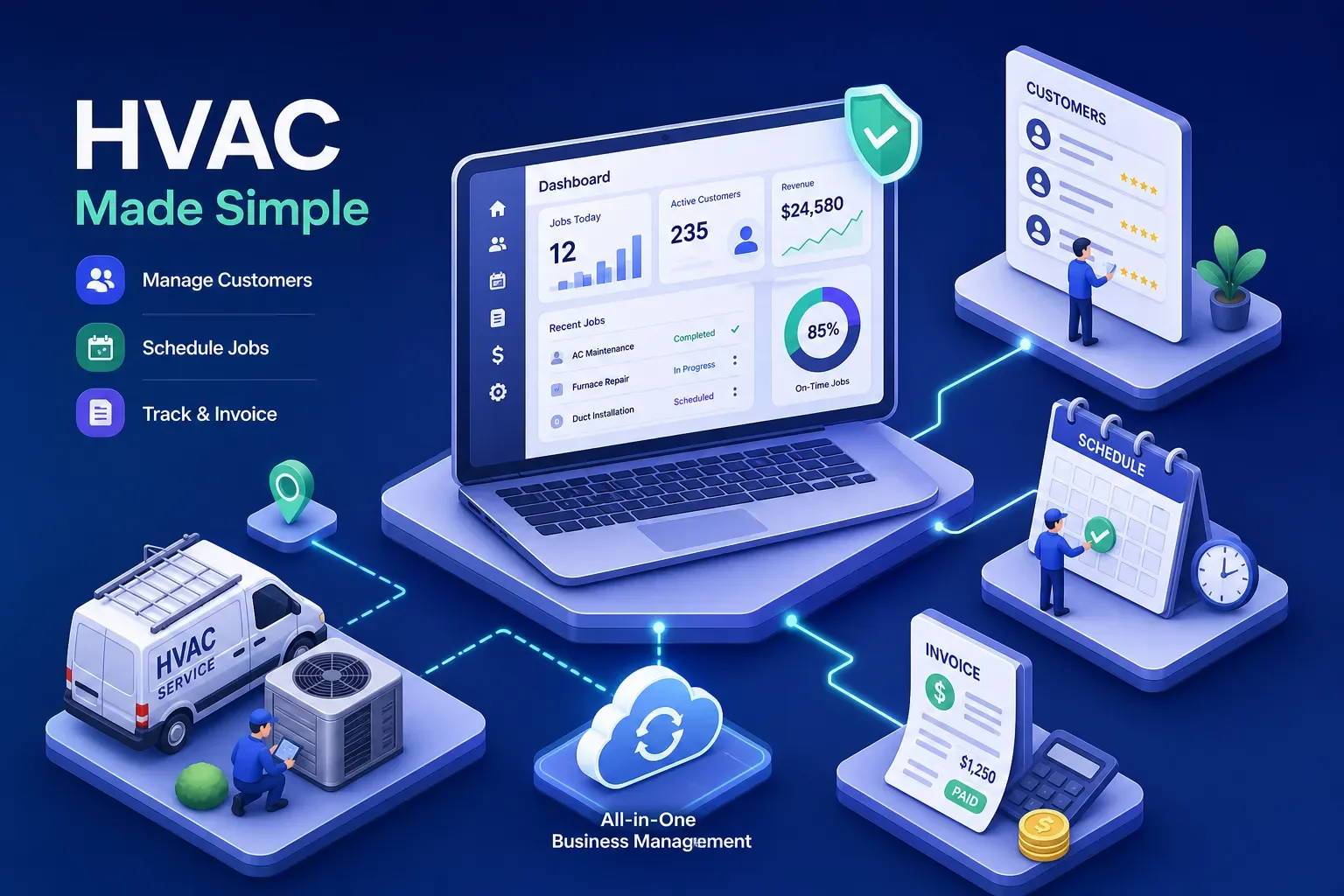
The best HVAC customer management software for small businesses should do more than record jobs, it should answer calls, chase invoices, and keep customers coming back without you babysitting it. Most platforms store job records perfectly and then wait for you to do the rest. The invoice that aged past 60 days? Still sitting there. The customer who hasn't booked in two years? Still dormant. The call that came in at 7pm? Went to voicemail.
This article cuts through the noise and compares the top options for small shops under $5M in revenue: what each tool does well, what it costs, and where the gaps are. For shops that want software that actually runs the office instead of just recording it, there's also a newer category worth understanding before you buy.
What good HVAC customer management software for small businesses actually does
Before you compare platforms, know what the baseline should look like. The core feature set in 2026 is non-negotiable: scheduling and dispatch, customer records and job history, estimates and invoices, payment collection, and mobile access for techs in the field. Any reputable HVAC field service management software handles all of these without workarounds. These aren't differentiators anymore; they're table stakes.
The QuickBooks integration quality is the first real differentiator, whether that's a one-way push or a true two-way sync, and whether it supports QuickBooks Desktop or only Online. The second is how much the platform automates versus how much it leaves on your plate. The third is how fast you can get it running without a dedicated IT person or a two-week onboarding project. Those three factors matter more to a small shop than any individual feature on a vendor's marketing page.
Platforms like Jobber and Housecall Pro are built for small residential operations and optimize for simplicity. ServiceTitan is built for scale. FieldEdge lands in the middle, with a clear emphasis on accounting integration depth. Each one makes sense in the right context, and none of them is a universal answer.
The top HVAC business software for small contractors, compared honestly
Jobber: strong choice for shops under 10 techs
Jobber is the easiest platform to recommend for small teams that want a clean quote-to-invoice workflow without a steep learning curve. The client hub is solid, scheduling is straightforward, and the mobile app works well for techs in the field. Pricing runs roughly $39 to $349 per month depending on the plan tier and number of users, with extra users running about $29 per month each. Treat those figures as approximate ranges based on current market reporting; confirm exact figures on Jobber's pricing page before you sign.
The honest limitation is the QuickBooks integration. Jobber syncs with QuickBooks Online only, not Desktop, and the sync is one-way: Jobber pushes data to QuickBooks, not the other way around. If your bookkeeper lives in QuickBooks and makes adjustments there, those changes don't flow back into Jobber. That creates reconciliation overhead. As a field service CRM for HVAC shops, Jobber also offers less advanced AR automation than specialist tools, which means invoices past 30 days typically still require someone to manually follow up.
Housecall Pro: easiest to get up and running fast
Housecall Pro is designed for residential service businesses that want to look professional without heavy admin overhead. Online booking, customer messaging, and payment collection are all strong. Published pricing starts around $59 per month and goes to $329 per month depending on the plan and billing cycle.
Check the QuickBooks integration carefully before you sign. On some plans, it runs through Zapier rather than a direct native connection, Housecall Pro's own support documentation describes which workflows require this workaround, and that adds reconciliation overhead and maintenance work over time. Housecall Pro is a solid starting point, especially for shops under $1M, but it shows limits as volume grows and the need for deeper accounting sync becomes real.
FieldEdge: the right call if QuickBooks is central to how you run the business
FieldEdge is built for contractors who live in QuickBooks Desktop and need their field software to sync in real time, not on a nightly batch or a manual export. The two-way QuickBooks Desktop integration is a genuine differentiator here, and it's one of the few platforms in this category where that's actually true. It also includes the Coolfront flat-rate pricebook, which matters for shops that want consistent pricing in the field without letting techs quote from memory.
The tradeoff is that FieldEdge uses sales-led pricing rather than self-serve, which means you negotiate rather than sign up online. That signals it's aimed at shops with at least a few techs and some operational complexity. If you want to be up and running in a day without talking to a salesperson, FieldEdge is not that tool. But if accounting sync depth is your priority, it's the strongest option in this comparison.
ServiceTitan: powerful but priced for a different stage
ServiceTitan is enterprise-level HVAC field service management software with strong scheduling, sales tools, and dispatch capabilities. It's the right answer for multi-location shops with dedicated operations staff, generally north of $3M to $5M in revenue. Custom pricing, implementation fees, and annual commitments put it out of range for most owner-operated small shops. If you're reading this article, ServiceTitan is probably not your next move. File it away for later.
What these platforms actually cost (and what drives the price up)
Published pricing is only part of the real cost picture. Housecall Pro is the most transparent, with visible tiers from $59 to $329 per month. Jobber's tiers run from about $39 to $349 per month. FieldEdge and ServiceTitan are sales-led, which means the number you get depends on negotiation and company size. Most vendors price by user count, so a shop with six techs pays noticeably more than the base rate advertised on the homepage.
The hidden costs most owners don't price in are the ones that add up fast:
- Payment processing fees on top of the monthly plan, processor rates typically run between 2.5% and 3.5% plus per-transaction fees, depending on the processor and plan
- Add-on modules for GPS tracking, advanced reporting, or additional automation
- Onboarding and implementation time, which is real labor even if it's unpaid
- Hours spent manually reconciling data between tools when integrations don't sync cleanly
For shops already using QuickBooks, integration quality matters more than headline plan price. A cheaper platform with a weak QuickBooks sync creates more labor than it saves. That's not a hypothetical: it's what owners report consistently when they look back at what they actually paid versus what they planned to pay.
Where most HVAC software leaves owner-operators short
Traditional HVAC CRM software has a ceiling, and most small-shop owners hit it faster than they expect. These platforms are designed to help you organize work that's already in the system. They don't go find the revenue you're missing. Aging AR past 30 or 60 days sits there unless someone manually follows up. Dormant customers from two seasons ago don't get reactivation messages. Calls that come in after 6pm go to voicemail. The software records the gap but doesn't close it.
The numbers behind that gap are real. Industry research consistently puts the share of after-hours HVAC calls that go unanswered at small owner-operated shops somewhere between 60% and 67%, with each missed call representing roughly $1,200 in lost revenue. Invoices past 60 days carry a sharply lower recovery rate without active follow-up. Maximus customers who have deployed automated invoice follow-up have reduced days sales outstanding by 13 to 30 days and recovered tens of thousands in stalled receivables within a single quarter. The gap between what a traditional HVAC service management system does and what it could do is measurable in dollars, not just efficiency points.
The most common complaints about HVAC field service software aren't about broken features. They're about implementation friction and the slow realization that the software still requires constant human input to produce results. You adopted software to save time, but now you're the person reminding yourself to use it.
The next step beyond traditional CRM: AI-powered office automation
For owner-operators who want their software to actually run the office, not just organize it, there's a category worth knowing about that goes further than any of the platforms in the comparison above. Rather than storing data and waiting for you to act on it, AI-powered platforms actively work the business around the clock.
Maximus is the example worth understanding here. It answers calls and books jobs without a human receptionist, including after-hours calls that would otherwise go to voicemail. It flags invoices past 30 and 60 days and initiates follow-up automatically. It runs dormant customer reactivation campaigns by pulling directly from QuickBooks job history and reaching out to customers who haven't booked in 18 months or more. Every morning, the owner gets a briefing summarizing what happened overnight and what was handled automatically. That's a fundamentally different model than a standard HVAC technician scheduling app or dispatch platform.
Maximus was built and battle-tested inside Temperature Pros Orlando, a real HVAC company, before it was offered to anyone else. According to vendor-reported results, one dormant customer reactivation campaign recovered over $31,000 in a single run, and aging accounts receivable follow-up collected $12,400 within 90 days of deployment. The platform integrates directly with Jobber, Housecall Pro, and ServiceTitan as a layer on top of whatever field service software a shop already uses, rather than replacing it. For shops in the $1M to $5M range that want to stop leaving money on the table without hiring a full-time office manager, this is where the conversation moves.
How to pick the best HVAC customer management software for small businesses
The decision framework is straightforward once you know where your shop sits:
- Under 5 techs and under $1M: Jobber or Housecall Pro cover the basics and don't require heavy setup.
- 5 to 15 techs, $1M to $3M, running QuickBooks as your financial backbone: FieldEdge deserves a serious look for its accounting sync depth.
- Approaching $3M or more with dedicated dispatch and admin staff: ServiceTitan becomes relevant.
- Any shop in the $1M to $5M range running without a real office staff: Add Maximus as an automation layer on top of whichever field service platform you already use or choose.
Before any demo, bring three questions that will eliminate two-thirds of your options fast. First: how does your QuickBooks sync actually work, one-way or two-way, and does it support Desktop or only Online? Second: what does automated follow-up look like for unpaid invoices past 30 days? Third: what happens to calls that come in after hours? If the vendor fumbles any of those three, you have your answer. For Maximus specifically, the founding cohort is limited to 20 shops in the $1M to $5M range, with 48-hour deployment and a monthly one-on-one working session with the founder.
The bottom line
The best HVAC customer management software for small businesses isn't one-size-fits-all. Jobber and Housecall Pro win on simplicity and speed to launch. FieldEdge wins if your business runs on QuickBooks Desktop and you need a real two-way accounting sync. ServiceTitan makes sense once you've outgrown owner-operator mode. Each is a defensible choice at the right stage.
But the honest gap across all of them is the same: they store your data and wait for you to act on it. Invoices don't chase themselves, dormant customers don't rebook on their own, and after-hours calls don't answer themselves. If you're ready for HVAC business software that actively works the business while you're on a job, running a crew, or trying to take a Saturday off, the AI-powered layer is where the real ROI sits. That's exactly what Maximus was built to do, running on top of whatever field service software you're already using.