Choosing a Jobber Alternative? Don't Overlook These Hidden Gaps
Choosing a Jobber Alternative? Don't Overlook These Hidden Gaps
Choosing a Jobber Alternative? Don't Overlook These Hidden Gaps
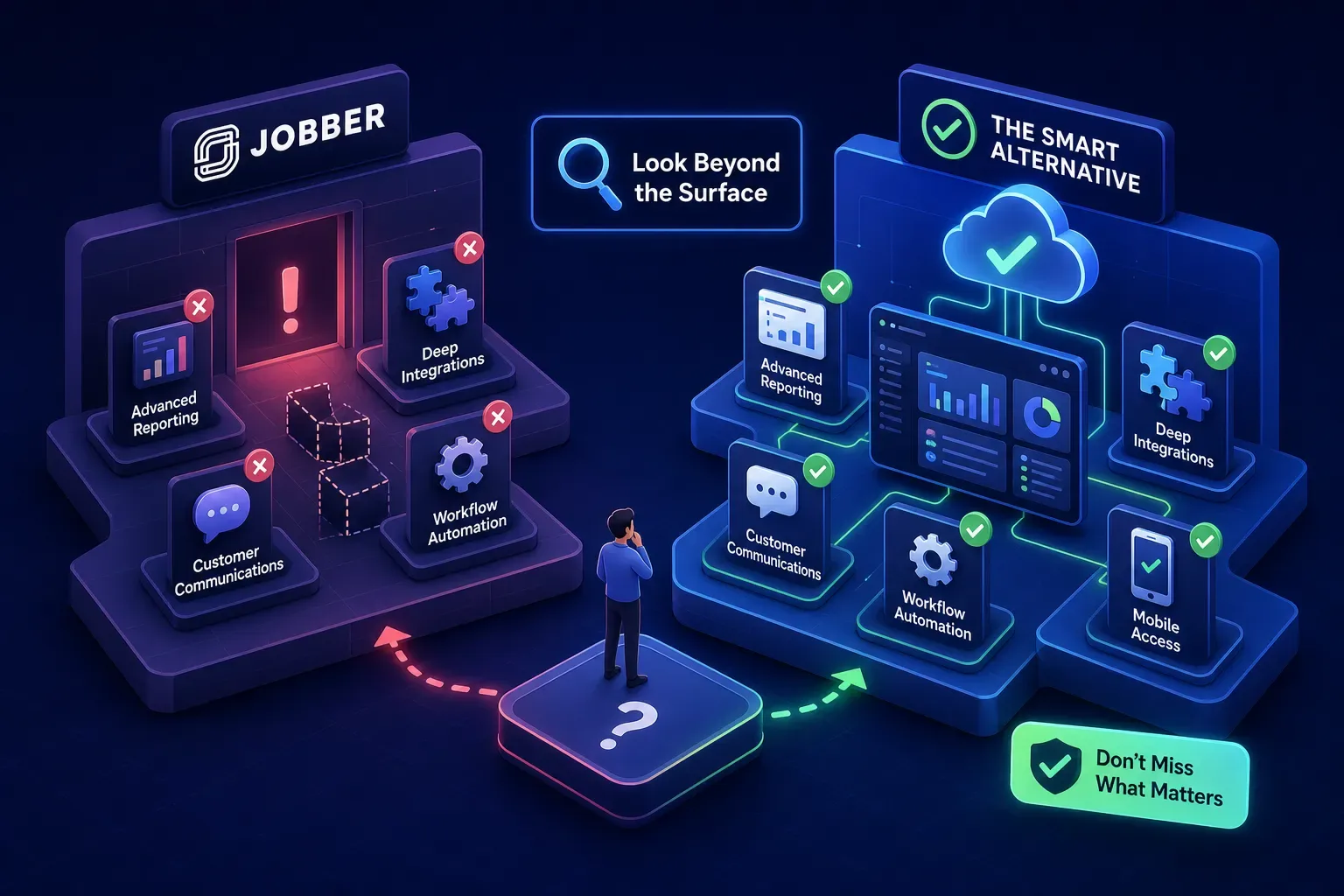
Most owners searching for a jobber alternative or field service management alternative aren't actually upset with scheduling. They've hit a ceiling: pricing that stings once you're running four or five techs, reporting that can't answer a basic question about which jobs are actually profitable, or a mobile app with stability issues in the middle of a dispatch. The frustrating part is that many comparison guides hand you a ranked list and call it done. They don't ask what's actually leaking revenue in your shop, or whether a software switch will touch it at all.
This guide walks through the most credible alternatives to Jobber available in 2026, how to evaluate them for a real HVAC or home services operation, and the gaps that surface after you switch. Because picking the right platform is step one. Understanding what surrounds it is the part most owners skip entirely.
Why owners actually leave Jobber (and what they're really looking for in a jobber alternative)
This isn't about Jobber being a bad product. It's about businesses outgrowing a general-purpose tool built for a different stage. The complaint patterns across G2 and Capterra, including recurring themes around reporting limits, QuickBooks sync friction, and mobile-desktop feature gaps, are consistent enough to take seriously.
Pricing that doesn't scale the way the business does
When you're running two to three techs, per-user pricing tiers are manageable. Once you're at four or five, the math changes. Owners start comparing Jobber competitors like FieldServicePro, which runs a flat $199/month with unlimited users, because predictable costs matter more as headcount grows. That's not a knock on Jobber's pricing structure. It's a signal that the business has moved into a tier the original plan wasn't designed for. If you're hiring fast, run the pricing math 18 months out before you commit to any platform.
Reporting and mobile gaps that slow down decision-making
Limited reporting customization shows up repeatedly in review data, alongside complaints about QuickBooks sync friction and mobile features that don't match the desktop experience. For an owner-operator who needs clean numbers fast, those aren't minor inconveniences. They're daily friction that compounds. When your morning starts with a report that has to be assembled manually rather than pulled with a click, that's a structural problem, not a workflow quirk.
What to look for that most comparison guides skip
Most people evaluate software by feature lists. That's the wrong lens. The question isn't whether a platform has invoicing. The question is whether invoicing works the way your team actually works.
Operational fit over feature count
Before you book a demo, map your actual dispatch workflow and run the software through it. Watch how it handles a same-day emergency call, a multi-stop tech, and a recurring maintenance job simultaneously. That stress test tells you more than any feature comparison page. A tool with 40 features you'll actually use beats a tool with 120 features built for a business that doesn't look like yours.
Integration depth with the tools already running your shop
QuickBooks Online integrates with over 800 apps, so the bar isn't whether a platform connects. The bar is how well it connects. Shallow integrations break silently: an invoice syncs but loses the line items, or a payment posts to the wrong account. Verify the QuickBooks sync behavior specifically, and check whether the platform supports your phone system and Google Calendar before you sign anything.
Pricing model vs. your team size trajectory
Per-user pricing tiers are manageable at two or three techs. At five techs adding a sixth, flat-rate unlimited-user plans start winning on total cost. Housecall Pro's Essentials plan runs $149/month billed annually for up to five users. Jobber's comparable tier lands in a similar range, but the gap can widen to $80/month at the five-user mark depending on which Jobber plan maps to your team.
The top field service management alternatives and who they actually serve
No rankings here. No "best overall." Just honest matching based on what different operations actually need.
Housecall Pro and FieldPulse: the practical middle ground
When it comes to Jobber vs. Housecall Pro, Housecall Pro is the most natural switch for small-to-mid home services teams. The UI is familiar, setup is fast, and the QuickBooks sync is solid. Starting at $59/month billed annually for a single user, it's accessible without being stripped down. FieldPulse targets growing teams that need more structured workflows and stronger project management. On G2, FieldPulse reviewers frequently cite responsive customer support as the deciding factor, which matters more than it sounds when you're in the middle of a busy season and something breaks.
Workiz and ServiceTitan: when communication volume or scale drives the decision
Workiz is purpose-built for call-heavy operations. The integrated phone system and call tracking make it a strong fit for HVAC and appliance repair shops where most leads come in by phone. If you're missing calls and losing jobs to whoever picks up first, Workiz addresses that at the software layer. ServiceTitan sits at the other end of the spectrum, designed for multi-location or enterprise contractors who need deep dispatch optimization, service agreement workflows, and reporting that justifies the pricing jump. It's the right tool for a different business stage entirely.
Kickserv and ServiceM8: the lean-team options
Kickserv offers a free tier for very small teams and paid plans starting at $19/month, making it the lowest-cost credible entry point in this category. ServiceM8 is built for small iOS-heavy crews, with strong mobile workflows and usage-based pricing. Both have feature ceilings. They're right-sized for where they fit, not stripped-down versions of something bigger. If your business is under two techs and you're watching every dollar, either of these makes more sense than paying for ServiceTitan's enterprise infrastructure.
The gaps no software switch will fix on its own
You can pick the right field service scheduling software and still bleed revenue from problems that live outside the platform entirely. This is the part most comparison guides never get to.
Calls that come in after 6pm and go nowhere
No scheduling platform answers the phone for you. According to industry surveys of small home services operators, a significant share of after-hours inbound calls go unanswered, and the job typically goes to whoever picks up first. If that's a voicemail, it usually goes to a competitor by morning. Some shops are closing this gap by pairing their new platform with an AI front office layer. Maximus, built and tested inside Temperature Pros Orlando, an actual HVAC operation, was designed specifically for this scenario. It handles after-hours calls and books jobs without a night dispatcher, addressing a coverage gap that no field service software is built to close on its own.
Aging AR that sits untouched because no one's chasing it
Invoicing tools create the invoice. They don't follow up on the one from 47 days ago. For home services businesses under $5M in revenue, outstanding AR can stretch well past 30 days when billing is managed manually, and that number climbs quietly. Most platforms surface aging receivables in a report, but a report requires someone to act on it. Maximus runs AR follow-up automatically. According to Temperature Pros Orlando's internal records, the platform flagged and helped collect over $12,000 in aging receivables during a single 90-day period that would have otherwise continued to sit. The software gives you the invoice. The operational layer actually gets it paid.
Dormant customers who never get a reason to rebook
The customer list in your QuickBooks history or CRM is a revenue asset. Most Jobber replacements let it sit untouched. A customer who got a tune-up 18 months ago and never heard from you again isn't a lost customer. They're a dormant one. At Temperature Pros Orlando, a single reactivation campaign pulling from that history recovered more than $31,000 in booked revenue, according to internal campaign reporting. That result doesn't come from the scheduling software. It comes from actually working the data sitting inside it.
Migration checklist for your jobber alternative: what switching actually takes
A switch from Jobber to Housecall Pro or FieldPulse for a small team typically runs one to three weeks from first export to full go-live. The data move itself can take as little as a few hours for customer records, but job history cleanup usually stretches the timeline. Expect two to four weeks if you want a clean cutover with proper training baked in.
Getting your data out of Jobber cleanly
Jobber supports CSV exports for customers, jobs, and invoice history. That's your starting point. QuickBooks holds your financial history and is the more critical asset to protect in the migration. Platforms with direct API access handle the data transfer more reliably than Zapier-style connections, which are better for workflow automation than for moving complete historical records. If your target platform offers migration support, use it. This is not the place to cut corners.
The first 30 days after switching
Expect friction in weeks one and two. That's normal. If your call volume allows it, run both systems briefly in parallel rather than cutting over cold. Prioritize getting the dispatch board functioning correctly before you worry about advanced reporting or integrations. Brief your techs on the new system before launch day, not the morning of. Housecall Pro's onboarding support can move small teams fully live in as few as ten business days, which makes it one of the faster options for field service scheduling software alternatives in this tier.
Software gives you structure. Operations give you results.
A Jobber replacement handles scheduling, dispatching, and invoicing. It does not manage your front office. The shops that get the most out of a new platform are the ones that also close the coverage gaps around it: after-hours call handling, AR follow-up, and customer reactivation campaigns that actually work the data already sitting in the system.
Whether you land on Housecall Pro, FieldPulse, or Workiz, the underlying questions stay the same. What happens when a lead calls at 8:45pm and you're not there? What happens to the invoice from six weeks ago? Answering those questions is what separates a software upgrade from an actual business upgrade. The right platform gets you to the starting line. The operational layer built around it gets you across it.
If you're evaluating a jobber alternative and want to see how Maximus works alongside whichever platform you choose, the details are at askMaximus.com. Every feature was tested on real revenue inside a working HVAC shop before it was offered to anyone else.
Frequently asked questions about switching from Jobber
How long does it take to migrate from Jobber to another platform?
For small teams, most migrations run one to three weeks from first data export to full go-live. If you want a clean cutover with proper training included, budget two to four weeks. Platforms with dedicated migration support consistently hit the shorter end of that range.
Does Jobber sync with QuickBooks?
Yes, Jobber offers a QuickBooks Online integration. However, user reviews on G2 and Capterra frequently flag sync friction, particularly around line-item accuracy and payment posting, as a reason owners explore field service management alternatives. Verifying integration depth before switching is worth the extra step.
What is the best Jobber alternative for a growing HVAC company?
It depends on where the growth is happening. Housecall Pro fits most small-to-mid teams making a direct switch. FieldPulse suits operations that need stronger project management as they scale. Workiz is the right call if phone-based lead volume is the primary driver. For enterprise-scale operations, ServiceTitan is the standard, though the pricing reflects it.
What does Jobber cost compared to alternatives?
Jobber's pricing is per-seat and can reach $80/month or more per user above the base tier. Flat-rate alternatives like FieldServicePro ($199/month, unlimited users) often become more cost-effective at five or more techs. Always run a 12- to 18-month projection based on your expected headcount before committing to any pricing model. Vendor pricing pages are the authoritative source, as rates change periodically.