How to Choose Plumbing Invoicing Software That Gets You Paid Faster
Most plumbing businesses don't have a billing problem. They have a collections problem. The invoice gets sent.
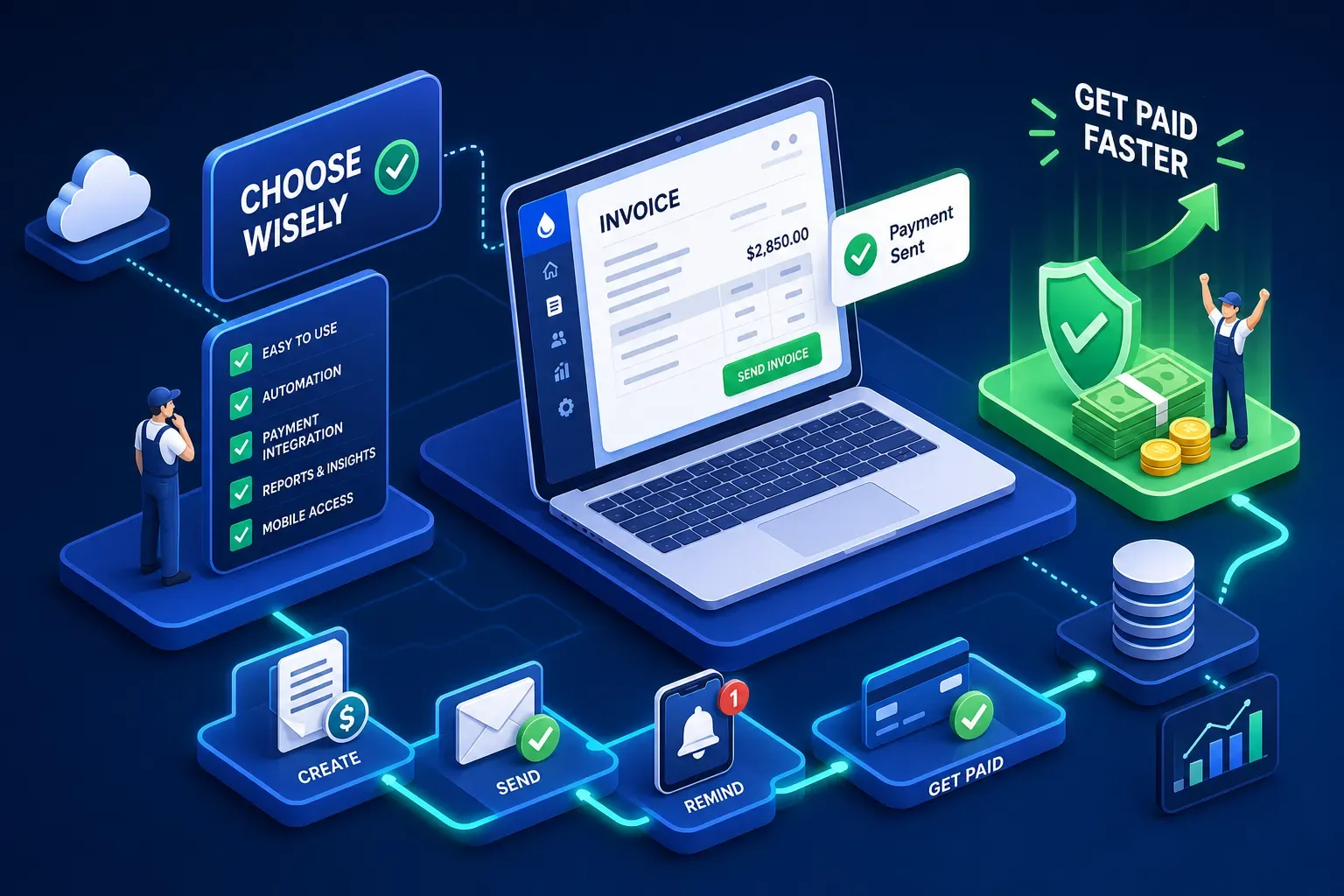
Most plumbing businesses don't have a billing problem. They have a collections problem. The invoice gets sent. The customer sees it, sets it aside, and goes on with their day. The owner gets busy with the next job, the office moves on to new bookings, and six weeks later a $1,400 job is still sitting unpaid in QuickBooks. Nobody chased it. Nobody had time. The right plumbing invoicing software doesn't just generate invoices faster, it keeps your cash moving after the job closes.
This guide covers what separates the platforms that actually get plumbing shops paid from the ones that look polished in a demo but still leave the same collection problem sitting on your desk. It also covers the gap that nearly every platform leaves open, and what to do about it.
What to Look for Before You Pick Plumbing Invoicing Software
Most buyers compare plumbing billing software on the wrong things, UI, price, whether it has an app. Those matter, but they are not what drives faster payments. Three criteria actually move cash.
Mobile invoicing your techs will actually use in the field
On-site invoicing matters because the best moment to collect is when the tech is still standing in the customer's driveway. The customer just saw the work get done. They are satisfied. That moment is worth more than any follow-up email you send three weeks later. If your tech has to call the office to generate an invoice, the moment is gone. What you want is a field-ready plumber billing app where the tech can build the invoice, present it on their phone, and collect payment before they leave the property. That is mobile invoicing for plumbers that actually works. A web form optimized for desktop that technically loads on a phone is not.
Payment tracking and aging AR visibility
Good AR visibility means you can see at a glance which invoices are 15, 30, and 60 days out, filtered by tech, job type, or customer if you need to. This is what separates field service invoicing software from tools built for general accounting. Without this view, you are running blind. You know some jobs are unpaid, but you do not know which ones or how long they have been sitting there. That ambiguity is expensive. Industry data puts roughly half of invoices aged past 60 days at serious risk of never being collected if no follow-up happens, a figure consistently cited in field service billing benchmarks.
Automated follow-up after the invoice goes out
This is where platforms most commonly fall short. Generating the invoice is step one. What happens on day eight when the customer hasn't paid? True automated follow-up fires on a schedule, stops when payment is received, and requires nothing from the owner or office staff to keep running. In the author's experience managing collections across home services businesses, automated follow-up has more direct impact on days-to-payment than any other single feature. If the platform you are evaluating requires someone to manually trigger each reminder or monitor a queue daily, plan to add something on top of it.
How the Top Plumbing Invoicing Software Platforms Compare
Most of the major names in this space handle the core field service invoicing workflow, here is where they actually differ.
Jobber and Housecall Pro: small-to-midsize sweet spot
Jobber starts at $29 per month on annual billing and is the default recommendation for plumbing shops running one to ten techs. Its quote-to-invoice workflow is clean, scheduling and dispatch are integrated, QuickBooks Online sync works reliably, and payment processing runs at 2.9% plus 30 cents for card payments and 1% for ACH. Housecall Pro ($49 to $59 per month) sits in the same lane with stronger dispatch features and job costing built in from earlier plan tiers. Both handle the core contractor invoicing software workflow well. Both also offer configurable automated reminders, Jobber supports scheduled email and SMS overdue reminders, and Housecall Pro lets you set reminder frequency and caps, but those automations still require someone to configure them correctly upfront and escalate when reminders are being ignored.
ServiceTitan: built for serious multi-truck operations
ServiceTitan is enterprise-grade software at enterprise-grade pricing, typically in the $245 to $500 per tech per month range on custom quotes. Its strengths are real: job costing is tied directly to estimates and service line items, invoicing integrates into a structured dispatch workflow, and its AR Management screen lets you drill from a customer aging bucket down to the individual invoice with filter options for business unit, customer type, days past due, and payment on file. If you are running a $500K to $1M shop, this is likely more than you need, that is a rough rule of thumb, not a hard cutoff, but it is built for operations that need scale and dedicated office staff to manage the complexity. For larger operations with multiple trucks and a real back office, it earns its price.
QuoteIQ and QuickBooks: worth knowing about
QuoteIQ at $29.99 per month punches well above its price point. It includes estimating, scheduling, dispatch, job costing on Pro plans, bi-directional QuickBooks Online sync, and built-in payments at 2.9% plus 30 cents for cards and 0.8% capped at $5 for ACH. That ACH cap is one of the lowest in the category and matters a lot on larger plumbing jobs. QuickBooks Online itself (around $35 to $38 per month) handles invoicing but is an accounting tool, not a field service platform. There is no dispatch, no job workflow, and no mobile invoicing built for a tech in the field. It is worth layering on top of a field service tool if you are already deep in the QuickBooks ecosystem, but it is not a standalone solution for a plumbing shop.
On-site payment processing: the fee hiding in your software decision
Most plumbing software comparisons skip the payment processing math entirely. That is a mistake. The fee structure built into your platform affects every job you close.
What 2.9% plus 30 cents actually costs on a plumbing job
On a $1,500 service call, the standard card processing fee is $43.80. On a $3,500 repipe job, it is $101.80. Over the course of a year with 300 jobs averaging $1,500, you are paying roughly $13,000 in processing fees. That is not a reason to stop accepting cards, getting paid immediately is worth more than chasing a customer for three weeks. But it is a reason to understand what you are paying and when a different payment method makes more sense.
ACH vs. card: which makes more sense for larger tickets
For jobs over $1,000, ACH is consistently cheaper. The math is not close. On a $5,000 job, ACH typically costs $5 to $10 depending on the platform. Card fees at 2.9% run $145 on the same job. On a $10,000 commercial job, ACH might cost $5 to $6. Card fees approach $290. The practical approach: offer ACH as the default on larger commercial jobs and repeat customers who have a payment method on file, and keep card available for one-time residential calls where convenience drives immediate payment. The method that gets money into your account fastest at the lowest cost is the right one for that job.
The Gap No Plumbing Invoicing Software Fills on Its Own
This is the part most plumbing software buyers miss. Every platform covered here generates invoices. But even platforms with built-in reminder automations still rely on correct initial configuration and human escalation when a customer stops responding, and in most owner-operated shops, that escalation never happens consistently.
Aging AR: what actually happens when a customer doesn't pay
It plays out the same way in most owner-operated plumbing shops. The invoice goes out. The customer ignores it. The owner is on the truck. The office is managing new bookings and inbound calls. The overdue invoice sits in the system marked outstanding. The software shows it. Nobody acts on it. Jobber shows you the outstanding balance and fires reminders on a schedule. Housecall Pro lets you set a reminder frequency and cap. ServiceTitan's AR Management screen gives you the full picture. But all of them still require someone to have set up the automation correctly, check that it is running, and escalate when reminders are being ignored. That last step is where most shops break down.
How an AI layer changes the collections equation
This is where Maximus fits in. We built Maximus inside our own home services company, Temperature Pros Orlando, specifically because no invoicing platform we used would automatically chase a 60-day invoice without someone manually managing the process. Maximus sits on top of tools like Jobber, Housecall Pro, and ServiceTitan and handles AR follow-up automatically: flagging invoices past 30 and 60 days, sending personalized follow-ups in the owner's voice, and reporting what was recovered without the owner lifting a finger. Early results from our own shop showed over $12,000 in recovered aging AR within the first 90 days, though results will vary based on outstanding balance volume and follow-up history. The invoicing software gets you 80% of the way there. Automated AR follow-up through Maximus closes the rest of the gap.
How to Choose the Right Platform for Your Plumbing Shop
Stop overthinking it. The decision narrows fast when you match the software to how your shop actually operates.
Matching software to your shop size
The right fit by operation size breaks down like this:
-
Solo plumbers: Jobber Core or QuoteIQ Essentials. Both are mobile-first, low-cost, and handle estimates through payment without requiring a dispatcher or office manager.
-
Small crews of two to ten techs: Jobber or Housecall Pro. Both scale cleanly at this level and include the scheduling and dispatch layer a growing team needs without ServiceTitan's complexity.
-
Larger operations with multiple trucks and dedicated office staff: ServiceTitan earns its price here. The workflow complexity matches the operation size, and the AR Management tools become genuinely valuable when you have the staff to use them consistently.
The one question that narrows it down fast
Ask yourself: who in my shop follows up on invoices that don't get paid in the first two weeks? If the honest answer is "nobody consistently," the platform you pick matters less than what happens after the invoice goes out. The right field service software gives you visibility into outstanding balances and the tools to chase them. But if nobody is monitoring that queue and acting on it, the visibility does not help you. The right follow-up system, whether that is automated reminders configured correctly inside your platform or an AI layer like Maximus sitting on top of it, is what closes the gap between sent and paid.
The Bottom Line
Choosing plumbing invoicing software is not a set-it-and-forget-it decision. Jobber, Housecall Pro, ServiceTitan, and QuoteIQ are all solid platforms. They handle the field-to-invoice workflow well, they integrate with QuickBooks, and they all support on-site payment collection. The real question is what happens in the 30 to 60 days after you send an invoice to a customer who does not immediately pay.
If your shop has someone managing that process manually and consistently, pick the platform that fits your size and budget and you will be in good shape. If nobody in your shop has time to chase aging AR every week, which describes most owner-operated plumbing businesses, you need to layer automated follow-up on top of whichever platform you choose. Solid invoicing software plus automated AR follow-up: that is what actually gets you paid faster.
If you want to see what that full stack looks like for a plumbing shop in the $1M to $5M range, reach out to our team at Maximus. We built this inside a real home services company, and we will show you exactly how it works.