Jobber Pricing Plans Explained: Which Tier Is Right for You?
Jobber pricing plans look simple on the surface: four tiers, one pricing page. But your real monthly cost depends on how you bill, how many users you need, and…
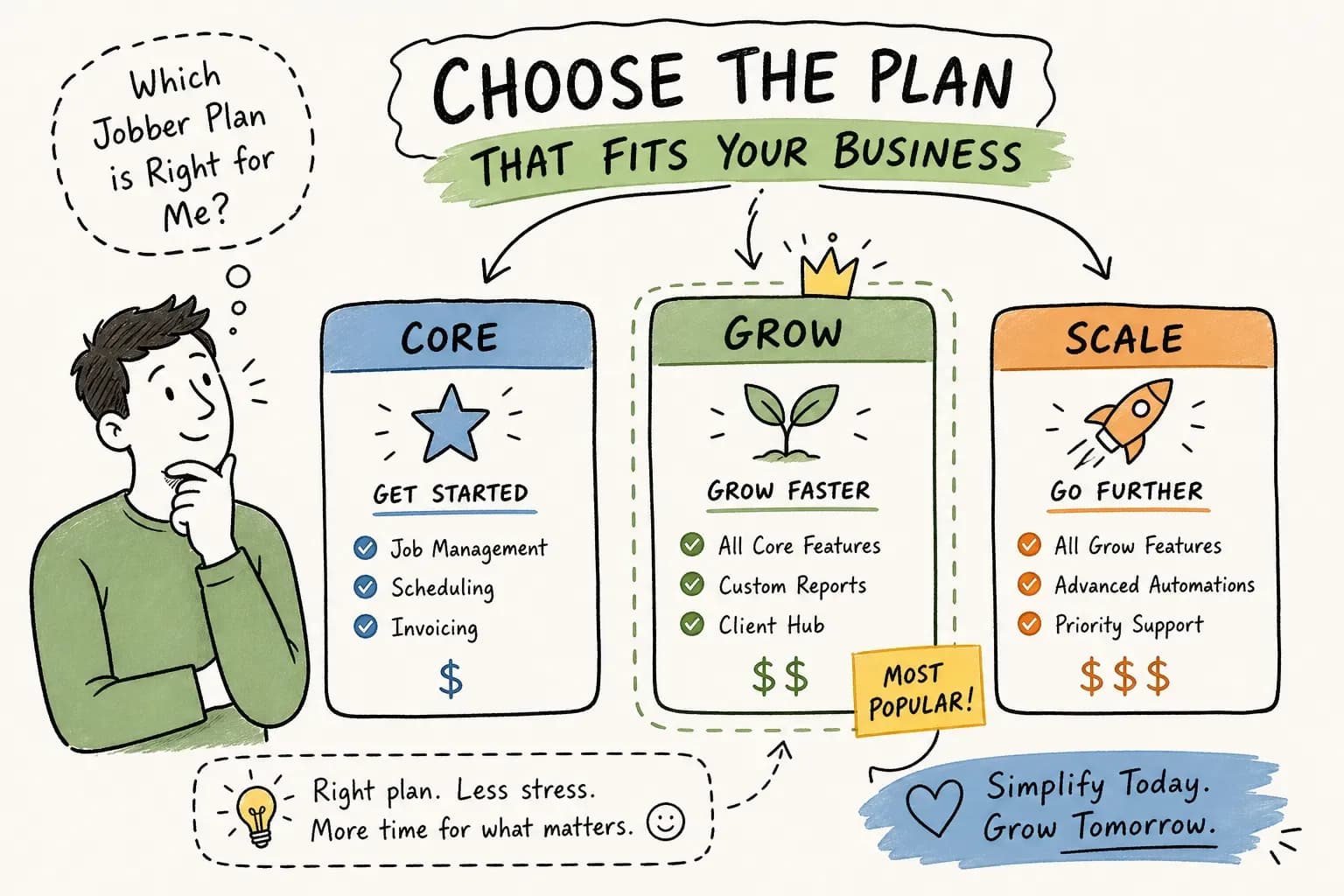
Jobber pricing plans look simple on the surface: four tiers, one pricing page. But your real monthly cost depends on how you bill, how many users you need, and which add-ons you end up stacking on top. Some shop owners pick a plan on day one, realize they're missing a feature two months later, and either upgrade without doing the math or stay stuck on a tier that's holding them back.
This breakdown cuts through that. You'll see exactly what each Jobber subscription tier costs in 2026, what you get at each level, which hidden charges to watch for, and which tier makes sense for your revenue and crew size. At the end, we'll also cover what no Jobber plan handles automatically, because that's the part most owners don't think about until they're already paying for the software.
Jobber pricing plans: cost breakdown for 2026
Jobber currently offers four plans: Core, Connect, Grow, and Plus. The price you pay depends heavily on whether you choose monthly or annual billing. With annual billing, you pay the full year upfront, worth knowing before you commit.
Note on pricing: The figures below reflect one published breakdown for 2026, but third-party sources report varying rates (for example, some list Core annual at roughly $29/month rather than $24/month). Treat these numbers as a working reference and verify current rates directly on Jobber's official pricing page before committing to any plan.
Jobber pricing plans, monthly vs. annual billing
Here's the side-by-side breakdown:
| Plan | Billed monthly | Billed annually (per month) | Monthly savings |
|---|---|---|---|
| Core | $49/mo | ~$24/mo | ~$25/mo |
| Connect | $139/mo | ~$80/mo | ~$59/mo |
| Grow | $199/mo | ~$120/mo | ~$79/mo |
| Plus | $499/mo | ~$320/mo | ~$179/mo |
The annual savings are real, but there's a catch: annual billing is non-refundable mid-term. Pay upfront and decide three months in that you need a different tier, and you're locked in until the year ends. For newer shops still testing the software, that's a meaningful risk to weigh before clicking confirm.
Where the pricing curve gets steep
The jump from Grow to Plus, $199 per month to $499 per month billed monthly, is the sharpest gap in the lineup. That $300 monthly increase is explained by the bundled extras on Plus: Marketing Suite, AI Receptionist, premium support, and unlimited onboarding. On lower plans, those features cost extra as add-ons. Jobber's 14-day free trial gives you full Grow-level access with no credit card required, which makes it the smartest first step before committing to any paid tier.
What you actually get at each plan level
The feature list on Jobber's pricing page is long, and most of it doesn't change how a shop operates day to day. What matters is knowing which features unlock at which tier, and whether those unlocks justify the price jump. A few items that sound compelling on a pricing page (like certain reporting modules) tend to get used once and forgotten; others become daily workflow tools.
Core and Connect: where most small shops start
Core supports one user and includes unlimited quotes, jobs, and invoices, along with scheduling, online booking, a mobile app, and basic reporting. It's the right entry point for solo operators or one-truck shops that don't yet need automation or routing. At roughly $24 per month on annual billing, the value is difficult to match at this price point.
Connect is where Jobber starts earning its keep for a growing shop. It adds GPS tracking, route optimization, QuickBooks Online sync, and automated client reminders. If you've hired your first tech or find yourself manually chasing appointment confirmations every week, Connect is the upgrade that removes both problems. For shops already running QuickBooks on the accounting side, the sync alone can reclaim meaningful hours each month that were previously spent on manual data entry.
Grow and Plus: team features and advanced automation
Grow layers on job costing, two-way SMS, a custom automation builder, and automatic quote follow-ups. It's built for shops with a crew of technicians who need tighter cost tracking and more communication control. The custom automation builder is what separates Grow from the tiers below it: you can create workflows that trigger on specific events, a job marked complete, a quote left unopened for 48 hours, rather than relying on preset reminders.
Plus adds Marketing Suite, AI Receptionist, premium onboarding support, and profitability alerts, all bundled into the plan price. If you were already paying for Marketing Suite ($79/month) and AI Receptionist (approximately $99/month, confirm the current rate with Jobber directly, as published figures vary) as add-ons on Grow, the math for Plus starts looking a lot more reasonable. If you weren't using those tools, staying on Grow is almost always the leaner choice.
The extra charges most shops don't see coming
The headline plan price is the starting point, not the ending point. Most shops underestimate their actual monthly bill because the add-on structure isn't prominently displayed on Jobber's main pricing page.
Per-user fees and paid add-ons
Every user beyond your plan's included seats costs $29 per month. On Core, that's every user after the first. On Connect, it applies beyond your included seats. Add-on fees stack quickly if your crew is growing. The major paid modules beyond users are:
- Marketing Suite: $79/month on plans below Plus
- Reviews: $39/month if purchased separately
- Campaigns: $29/month if purchased separately
- Referrals: $29/month if purchased separately
- Sales/Pipeline: $49/month
- AI Receptionist: approximately $99/month (verify directly with Jobber, as pricing varies across sources)
That last point matters: AI Receptionist pricing is inconsistent across third-party sources, so confirm the current rate with Jobber directly before building it into your budget. A $30 or $40 per month discrepancy can sneak past you at contract time if you're working from an outdated figure.
Payment processing and what counts as "free"
Jobber Payments has no setup fee or monthly charge, which sounds clean. But transaction fees apply on every payment: roughly 2.9% plus $0.30 per card transaction, and about 1% for ACH. For a shop processing $50,000 per month entirely through card payments (assuming a relatively small number of large transactions), that's approximately $1,480 per month in processing fees, the exact total will shift depending on your transaction count, since the $0.30 per-transaction charge multiplies accordingly. It's not a reason to avoid Jobber Payments, but it belongs in your total cost-of-software calculation, not as a separate line item you ignore until reconciliation.
Which Jobber plan fits your shop size and revenue
Knowing what each plan includes is step one. Knowing which one to pick for your specific situation is what actually saves you money and frustration.
Solo operators and single-truck shops
Core is the right call if you're the only user and your main need is quoting, scheduling, and invoicing. At roughly $24 per month on annual billing, it covers the fundamentals without unnecessary overhead. Upgrade to Connect the moment you hire your first tech or find yourself spending more than an hour a week on manual appointment reminders and QuickBooks data entry. That hour of recovered time is worth more than the $56 monthly difference between Core and Connect on annual billing.
Growing crews running $500K to $2M
Connect or Grow is where most shops in this range land, and the right answer depends on one question: do you need job costing and two-way SMS today? If yes, go to Grow. If not, Connect handles the automation and routing a small crew needs without the Grow price tag. Running the 14-day trial on Grow before committing is the lowest-risk way to find out which Jobber subscription tier actually fits your operation, some features that look essential on a pricing page see little real use once day-to-day work takes over.
Shops pushing past $2M or managing multiple techs
Plus is worth evaluating seriously once your team is large enough that bundled marketing tools and premium onboarding support replace what you were already paying for as add-ons. Be direct with yourself on the math: if Marketing Suite and AI Receptionist were already on your bill as Grow add-ons, upgrading to Plus likely saves money. If you weren't using them, the $300 monthly gap between Grow and Plus is hard to justify. Based on published pricing analysis, many shops in the $2M to $5M range find that staying on Grow with selective add-ons is leaner than a blanket Plus subscription, though your specific add-on stack will determine whether that holds true for your numbers.
Annual vs. monthly billing: how to run the real math
Most articles about Jobber cost per month tell you annual billing is cheaper and stop there. The more useful question is when committing to annual billing actually makes sense for your shop specifically.
When the annual discount is worth it
The savings are concrete: roughly $25 per month on Core, $59 on Connect, $79 on Grow, and $179 on Plus (verify current figures on Jobber's pricing page, as published annual equivalents vary by source). On Plus, that's potentially $2,148 back in the business over a year. If you've been running Jobber for at least 60 to 90 days, you know whether the plan is a fit, and committing to annual billing at that point becomes a straightforward decision. The money saved is real and the risk is minimal once you've confirmed the platform works for your operation.
When to stay month-to-month first
New shops in the first 90 days on Jobber should not rush into annual billing. The 14-day trial gives Grow-level access, but real-world usage regularly reveals that a shop needs a different tier than assumed on day one. Month-to-month costs more per billing cycle, but it keeps your options open to upgrade, downgrade, or switch platforms entirely. You won't lose a prepaid annual fee you can't recover. Pay for the flexibility early; lock in the discount once you know the plan is right.
What Jobber still doesn't handle (and how smart shops close that gap)
Jobber is field service management software. It handles scheduling, dispatch, quoting, invoicing, and payments extremely well. What it does not do, even on Plus, is run the front and back office work that happens outside the job itself.
The office layer no Jobber tier covers automatically
Jobber does include automated client notifications and payment follow-ups on Connect and above, which helps with routine reminders. What it doesn't provide is 24/7 live call coverage when a customer's AC goes down at 11pm, a built-in workflow for systematically contacting customers with invoices aged past 30 or 60 days, automated reactivation campaigns against your dormant customer list, or a daily briefing summarizing overnight activity. These tasks fall to the owner-operator personally or to an office manager they may not have yet.
This is the gap that Maximus is built to close. Maximus is an AI-powered front and back office automation platform designed for home services businesses. It layers on top of your existing field service software to handle 24/7 call answering, AR follow-up on aging invoices, dormant customer reactivation, and a daily morning briefing summarizing overnight activity, the operational work that no Jobber subscription tier was designed to replace. Whichever Jobber plan you choose, that gap exists. The shops that address it extract more value from every dollar they spend on the software itself.
Jobber pricing plans FAQ
How many Jobber plans and pricing tiers are there?
Jobber offers four plans: Core, Connect, Grow, and Plus. Each tier adds features and users, with pricing varying based on monthly vs. annual billing. Verify current Jobber plans and pricing on Jobber's official pricing page before committing.
What is Jobber's cost per month on the most affordable plan?
Core runs approximately $49/month on monthly billing, or roughly $24/month when billed annually. Third-party sources list slightly different annual equivalents, so confirm the current Jobber cost per month directly with Jobber.
Is Jobber's annual billing refundable if I switch plans?
No. Annual billing is paid upfront and non-refundable mid-term. If you switch tiers or cancel before your annual period ends, you forfeit the unused portion. Start month-to-month until you've confirmed the plan fits your operation.
Does Jobber charge per user?
Yes. Every user beyond your plan's included seats costs $29 per month. Factor this into your total cost calculation, especially if your crew is growing.
The bottom line on Jobber pricing plans
Core is right for solo operators who need quoting, scheduling, and invoicing without complexity. Connect or Grow fits most growing crews in the $500K to $2M range, with the choice hinging on whether job costing and two-way SMS are daily needs. Plus makes sense for larger teams where the bundled features replace add-ons you were already paying for separately.
On billing, run 60 to 90 days on monthly billing first, confirm the plan fits, then switch to annual and keep the savings. Start with the 14-day trial on Grow, it costs nothing and gives you full feature access before any credit card touches the equation.
Evaluating jobber pricing plans is only part of the cost-benefit calculation. The shops maximizing ROI from the platform pair it with the right automation layer for the front and back office work Jobber was never designed to handle. Pick the plan that matches where your business is today, address the operational gaps around it, and build from there.