Jobber vs. ServiceTitan: Which One Fits Your HVAC Shop
If you're trying to figure out what is the difference between Jobber and ServiceTitan for a small HVAC company, you're asking the right question, but you're…
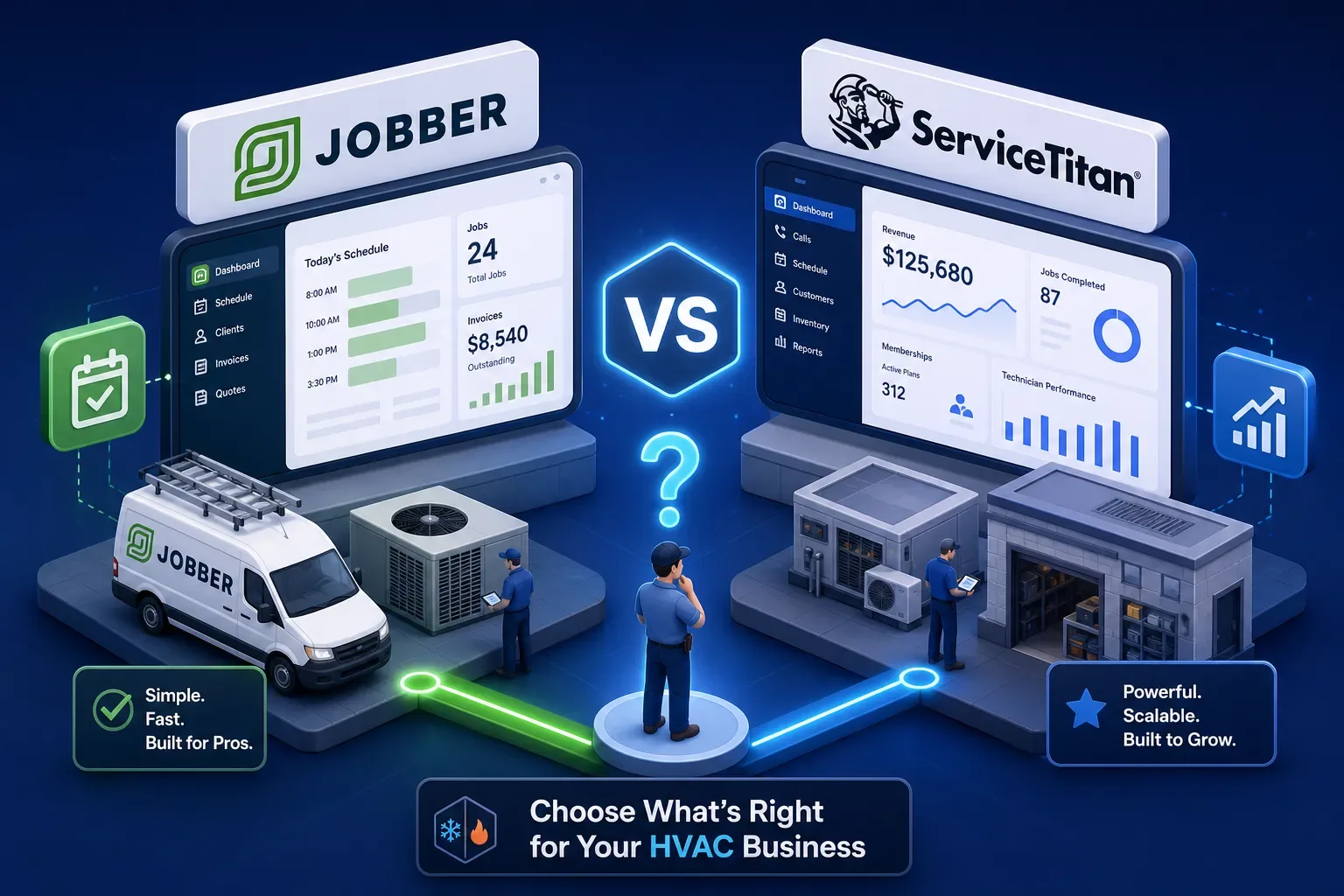
If you're trying to figure out what is the difference between Jobber and ServiceTitan for a small HVAC company, you're asking the right question, but you're probably getting the wrong answers. Some shops spend weeks in demos and forum threads and still land on the platform that doesn't fit. Either a ServiceTitan sales rep framed it as the thing that would finally unlock growth, or a peer recommended Jobber without knowing much about how the shop actually runs. Both paths can lead to buyer's remorse and a software bill that doesn't match the results, a pattern that shows up regularly in HVAC owner forums and user reviews on platforms like G2 and Capterra.
Here's the honest frame for this comparison. The difference between Jobber and ServiceTitan for a small HVAC company isn't really about features. It's about complexity, cost, and whether your shop is at a stage where enterprise-grade software solves problems or creates them. This article covers four dimensions: pricing, features, onboarding, and scalability. There's a decision checklist at the end that makes the call simple.
One more thing worth saying upfront: many shops that pick a platform, either one, leave most of its value completely untouched. Data about aging invoices, dormant customers, and missed calls sits in the system and nobody acts on it. That's a separate problem from choosing the right platform, and the article covers that too.
Pricing: what you're actually signing up for
Jobber's published tiers and what they mean for a small shop
Jobber publishes its pricing openly. The practical entry point for a residential HVAC shop with three to five technicians is the Connect Team plan at $169/month for up to five users. From there, the Grow Team plan runs $349/month for up to ten users, and the Plus plan reaches $599/month for up to 15. Beyond the seat cap, each additional user costs $29/month. You know your number before you talk to anyone, a genuine advantage when you're building a real budget. (Verify current rates on Jobber's pricing page, as tiers can change.)
ServiceTitan's quote-based model and what that signals
ServiceTitan doesn't publish standard pricing. Every quote is custom, tied to company size, modules, and contract length. For a shop under $5M in revenue, that means your buying process starts with a sales conversation rather than a pricing page. Based on quotes compiled from HVAC owner forums, G2 reviews, and independent market analyses, ServiceTitan's monthly cost runs roughly $245 to $500 per technician per month. For a five-tech shop, that's approximately $1,225 to $2,500 per month; for a ten-tech shop, the range climbs to $2,450 to $5,000 monthly. Add onboarding and implementation fees that typically run $1,000 to $5,000 on top of that.
The first-year cost reality check
For a three-to-five tech HVAC shop, Jobber's all-in first-year cost is typically a few thousand dollars total. ServiceTitan's first-year cost, once monthly fees, onboarding charges, and lost productivity during a six-to-eight week implementation are factored in, is substantially higher, often by a wide margin even at conservative estimates. Go into this Jobber vs. ServiceTitan comparison with that gap clearly in mind. The feature debate doesn't matter if the economics don't work at your current revenue.
Feature breakdown: Jobber vs. ServiceTitan for HVAC work
Scheduling and dispatch
Jobber handles residential scheduling well. Drag-and-drop calendar, route optimization, and automated client reminders are all included on the Connect and Grow plans. For a three-tech shop where the owner or an office admin manages the schedule, it's more than sufficient. ServiceTitan's dispatch board is more powerful and more complex, with real-time technician tracking, AI-assisted job matching through Dispatch Pro, capacity planning, and CSR scripting built in. That depth pays off when you're managing ten or more technicians across multiple crews with a dedicated dispatcher. Below that threshold, most shops never use what they're paying for.
Invoicing, flat-rate pricing, and the pricebook gap
This is where the two platforms diverge most clearly, and it's the one functional difference that can actually change the decision for some shops. Jobber handles estimates and invoicing cleanly with online approvals and PDF generation, but its flat-rate pricebook support is limited. ServiceTitan has a built-in flat-rate pricebook as a core feature. For an HVAC company selling equipment replacements and maintenance agreements at fixed prices, that's a real gap in Jobber worth acknowledging rather than explaining away.
Reporting, customer history, and equipment tracking
ServiceTitan stores equipment history at the unit level, linking prior service calls, parts used, and warranty status to each piece of HVAC equipment in a home. Jobber doesn't offer that depth. For a shop with a heavy focus on service agreements and repeat residential work, ServiceTitan's customer records tell a much richer story. Jobber's reporting covers jobs, invoicing, and team performance at a level that works for most small shops, it just doesn't go deeper, and for some shops, deeper is exactly what they need.
Onboarding and learning curve: the hidden cost of switching
How fast Jobber gets your team operational
Most small HVAC shops are running live jobs in Jobber within a few days to two weeks. There's no mandatory setup fee, the interface is straightforward enough for a part-time office admin to learn quickly, and the QuickBooks Online sync is built in. For a shop owner who wants to spend less time in software and more time running jobs, that speed matters. Jobber's VMech Mechanical case study documents a woman-owned HVAC company that scaled from two to eleven employees on the platform, citing scheduling and client communication automation as the core drivers. That kind of result doesn't require a three-month ramp.
What ServiceTitan implementation actually looks like
ServiceTitan's onboarding for a small company typically runs six to twelve weeks, sometimes longer when data migration, pricebook setup, and tech training are factored in. The onboarding fee is real. The time investment is significant. According to user reviews on Capterra and G2, the most common pain points for small HVAC owners who have made the switch aren't features they dislike; they're the setup burden itself: building the pricebook from scratch, configuring role-based permissions, and dealing with field-tech resistance to the mobile app. None of that is a knock on the platform's capability. It's a reflection of what the platform is built to do. For a shop still under $5M that needs to keep running while it transitions, a two-to-three month implementation window is a serious operational consideration that most comparison articles gloss over.
Scalability: when Jobber is enough and when it isn't
Where Jobber reaches its limits
Jobber works well for residential HVAC shops running up to roughly eight to ten technicians focused on scheduling, invoicing, and client communication. The limits show up in three specific areas: flat-rate pricebook management, equipment-level service history, and commercial HVAC workflows. If your shop is moving into commercial accounts, managing hundreds of service agreements, or needs parts inventory baked into the software, Jobber starts to feel like a workaround rather than a real system. That's not a flaw, it's a scope limit, and knowing where it is saves you from hitting it mid-growth.
The shop profile where ServiceTitan earns its cost
ServiceTitan makes financial sense when a shop generates enough volume that the depth of its dispatch board, pricebook, and reporting is actually used day-to-day. A residential HVAC company with ten or more technicians, a dedicated dispatcher, and a CSR team can extract real ROI from what ServiceTitan offers. Below that threshold, the complexity frequently outpaces the benefit. A shop doing $1.5M with four techs and an owner managing the schedule doesn't need AI-assisted technician matching. It needs to answer its calls, invoice cleanly, and follow up on open receivables. Jobber does that without a six-figure annual software spend.
How AI tools like Maximus activate the data inside either platform
What's sitting unused in your software right now
Whether you're on Jobber or ServiceTitan, your platform already contains information that most small shops never act on: invoices past 30 and 60 days that haven't been followed up, customers who booked two or three years ago and haven't returned, jobs that were quoted and never closed, and after-hours calls that went to voicemail and never converted. The software recorded all of it. The shop owner just never had time to dig it out, and no one else was assigned to do it.
What Maximus does with that data
Maximus integrates directly with Jobber, ServiceTitan, and QuickBooks to work that dormant data automatically. It chases aging accounts receivable, runs dormant customer reactivation campaigns pulled from your own job history, answers calls and books jobs around the clock, and delivers a 7am morning briefing covering what happened overnight and what needs attention. At Temperature Pros Orlando, the HVAC company Maximus was built and tested inside, this approach recovered over $31,000 from a single reactivation campaign and collected $12,400 in aging AR within 90 days. Those results came from data the shop had never acted on, already sitting in the system.
The result: a front and back office that runs without you in it
Maximus isn't a replacement for Jobber or ServiceTitan. It's the operational layer that makes whichever software you choose actually produce results beyond scheduling. Based on internal data from Temperature Pros Orlando, most HVAC owners extract value from only a fraction of what their platform already knows about their business. Maximus is designed to work the rest, starting within 48 hours of setup, on top of either platform. The platform choice matters. But the bigger opportunity is activating what your software already knows, and that part doesn't depend on which one you pick.
The short checklist: how to pick, trial, and get running in 30 days
Three questions that decide the platform
Skip the feature comparison spreadsheets. Answer three questions and the decision becomes straightforward.
- How many technicians will actively use the system on day one?
- Does your shop run flat-rate pricing or time-and-materials invoicing?
- Do you have a dedicated dispatcher, or does the owner manage scheduling?
A two-to-five tech shop doing residential time-and-materials work: start with Jobber. A ten-plus tech shop with a CSR team and a flat-rate pricebook: ServiceTitan is worth the investment. A shop somewhere in between: start with Jobber and revisit in 12 months when your volume and team size give you a clearer answer. Some shops report regretting an early move to ServiceTitan at five techs when the decision was driven by long-term projections rather than current operational needs, a pattern worth keeping in mind before you sign a multi-year contract.
How to trial and onboard in under 30 days
Jobber offers a free trial with no sales conversation required, check Jobber's current trial page for time limits and restrictions. Start there: import your customer list, build your service catalog, set up QuickBooks sync, and run a week of live jobs through it. By day 14, you'll know whether it fits. If you're evaluating ServiceTitan, request the demo and ask specifically about implementation timeline and first-year total cost, including onboarding fees. Get the number in writing before the conversation moves to contract terms. For the 30-day path on either platform, focus on three things first: contacts and job history migration, invoicing workflow for techs in the field, and QuickBooks reconciliation. Get those three right and everything else follows.
The honest answer for most small HVAC shops
So, what is the difference between Jobber and ServiceTitan for a small HVAC company? In plain terms: Jobber costs less, deploys in days rather than months, and handles the day-to-day work that drives revenue for shops under $5M, without requiring a dedicated implementation project. ServiceTitan is a serious platform built for serious operational depth, and it earns its cost at a certain scale. That scale is higher than most small shops are at right now, and being honest about that saves real money and a lot of frustration.
Whichever platform you pick, the bigger opportunity isn't the software itself. It's activating what your software already knows about your customers, your receivables, and your missed revenue. That's where most HVAC shops leave money on the table. Maximus closes that gap, works on top of either platform, and deploys in 48 hours. The data is already there. Someone just needs to work it.