Overflow Answering Service for Contractors: Keep the Office First and the Handoff Clear
An overflow answering service is a backup that answers calls when your regular staff can't pick up, because lines are busy, your CSR is already on a call, or…
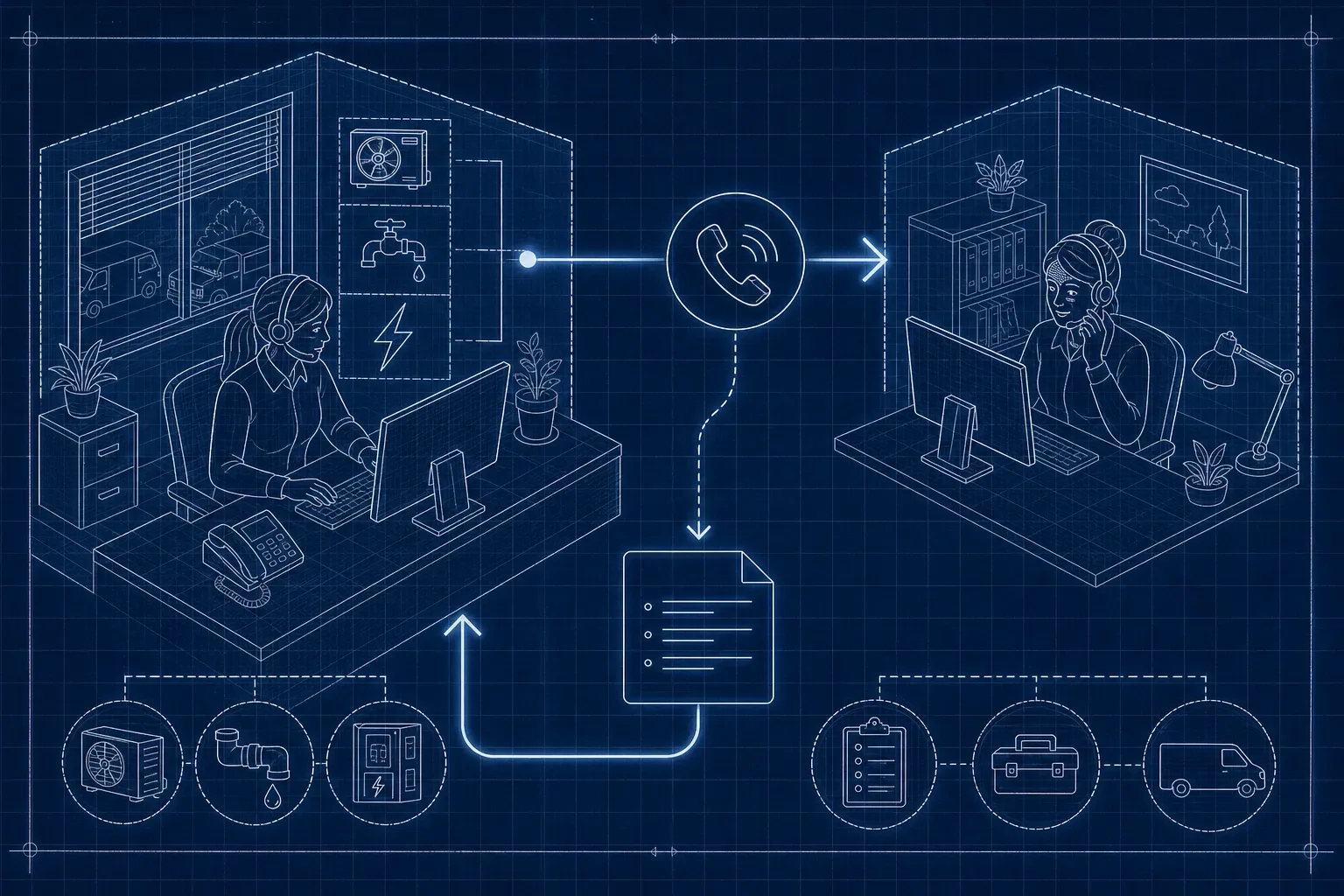
An overflow answering service is a backup that answers calls when your regular staff can't pick up, because lines are busy, your CSR is already on a call, or volume spikes without warning during your busiest season. Your office number doesn't change. When configured and tested to support overflow, your phone system forwards calls that meet your rules to the backup destination. That agent answers in your business name, follows your instructions, and routes the outcome back to your team.
What an overflow answering service actually is for a contractor shop
The mechanics are straightforward. Calls hit your main line first, and a predefined condition triggers the forward to the overflow answering service. That condition might be a busy signal when all lines are engaged, a ring count without pickup, or a manual toggle you flip during a lunch break. The backup agent answers using your business name and your script.
Ring count thresholds vary by phone system, so treat any number you see cited in guides as illustrative rather than a universal setting. Your VoIP provider determines the actual configuration. The right number of rings before forwarding is whatever gives your CSR a real chance to pick up without making a caller wait long enough to hang up.
Overflow is capacity-driven during office hours. After-hours coverage follows a separate schedule. Give each its own routing rules and owners.
When does a call actually leave your CSR's queue?
Three daytime gaps push calls out of your office before anyone on your team even notices. The first is the lunch break. A single-CSR shop may be unavailable for a 30- to 60-minute window. The second is simultaneous calls: your CSR is already mid-call with one customer when a second and third caller dial in. Without overflow call routing, those callers get a busy tone or voicemail regardless of what time it is.
The third is the seasonal spike. The first heat wave or hard freeze can push call volume sharply higher in just a day or two. Your CSR capacity doesn't scale with it. Plan for each condition separately. Each one has a different destination, a different set of allowed actions for the backup agent, and a different owner on your side. Lumping them all into one forwarding rule creates confusion at the handoff and loose ends nobody catches until a customer complains.
Daytime Overflow Answering Service: What Your Backup Can and Can't Do
Intake fields
The backup agent should capture at minimum: caller name, callback number, service address, type of request (repair, estimate, maintenance, or emergency), preferred appointment window, and any flag required by your established escalation procedure. Those fields should match your CRM or dispatch sheet exactly. Align the fields with the information your office needs to act.
Prohibited actions
As a best practice, restrict your backup service from accessing your dispatch board, overriding existing appointments, or quoting prices. Those actions stay with your office. If you do permit limited booking through your overflow call center or virtual receptionist overflow setup, enforce strict controls: require your CSR or dispatcher to approve every slot before it's confirmed to the customer, and audit the logs regularly.
A requested appointment window is not a confirmed booking. This distinction matters more than most contractors realize. A backup agent can capture that a caller wants Thursday at 10 AM. That is a request. Confirmation belongs to your office: your CSR reviews availability, contacts the customer, and locks the slot. If your overflow service's default script implies the appointment is set, fix the script before the first call routes. An inaccurate confirmation creates a customer expectation your office may be unable to meet.
Build your routing worksheet before the first overflow call hits
Build this before you activate any forwarding rule. One worksheet, one source of truth. Your phone system, your backup service, and your CSR should all be operating off the same document. The worksheet has six columns, and every overflow condition you plan to route gets its own row.
- Condition: What triggers the forward, such as all lines busy, no answer after a set ring count, or lunch window active.
- Destination: Where the call goes, whether that's the backup service, voicemail, or a callback queue.
- Allowed action: What the destination can do, such as capture name and number only, or capture full intake with urgency flag.
- Owner: Who on your team receives and acts on the handoff, whether that's your CSR, dispatcher, or you.
- Acknowledgment: How the handoff is delivered (email, text, CRM entry) and within what time window.
- Fallback: If the destination also can't complete the call, where it goes next.
| Condition | Destination | Allowed action | Owner | Acknowledgment | Fallback |
|---|---|---|---|---|---|
| All office lines busy | Tested backup service | Capture name, number, address and request | Named CSR | Confirm receipt in agreed channel | Named backup owner |
| Lunch coverage gap | Tested backup service | Capture preferred window as a request | Covering CSR | Acknowledge intake by agreed deadline | Accurate voicemail and assigned callback owner |
| Seasonal queue exceeds threshold | Tested backup service | Capture intake and flags under shop procedure | Named dispatcher | Acknowledge and assign next action | Tested alternate destination |
Time targets in the table are examples. Set SLAs based on your own capacity and customer expectations. Ring counts are illustrative, your phone system settings determine the actual threshold. Confirm with your VoIP provider before activating any rule.
Who owns the callback, the confirmation, and the record
Overflow call answering creates a handoff gap. The most common breakdown isn't a failure by the backup service, it's that the backup delivers the intake and nobody on your team is designated to act on it. The lead sits in an email inbox, a text thread, or a CRM queue nobody checks until it's too late to be the first callback. Name one person as the owner of every overflow handoff. That person reviews the intake, calls the customer back, and either confirms or declines the request. If that person is unavailable, the fallback owner is named in the worksheet. Two names, never zero.
Before your first seasonal spike, run three tests. First, the busy test: have two people call your main line simultaneously. Confirm the second call routes to your backup, not to voicemail. Second, the unanswered test: let your main line ring past your threshold without picking up. Confirm the call forwards correctly and the intake reaches your designated owner. Third, the recovery test: simulate a backup service intake from start to finish. Walk the handoff all the way through, from intake arriving to owner receiving it, callback being made, and appointment request acknowledged to the customer. Time the full loop. If it takes longer than your target callback window, fix the process before a real customer experiences it.
Re-run those tests after any phone system change, after you switch backup vendors, and after any staffing change that affects who owns the handoff. A routing rule that worked in March can break in June if nobody updated the ownership assignment when your CSR changed.
Walk through the handoff before your next busy day
Fill in your routing worksheet before activating forwarding. Define the conditions, destinations, allowed actions and owners. Then test the full path, including the fallback.
Bring your worksheet draft to a Maximus demo to walk through lunchbreak and peak-hour routing. Verify the proposed setup against your actual phone system and staffing. For related evaluation questions, see how to choose AI phone answering and what happens when AI misses something on a call.