Reputation Management Software for Small Service Businesses: What’s Worth Paying For
For a single-location cleaning company, landscaping crew, or repair shop, Google Business Profile's free tools handle the basics of review management.
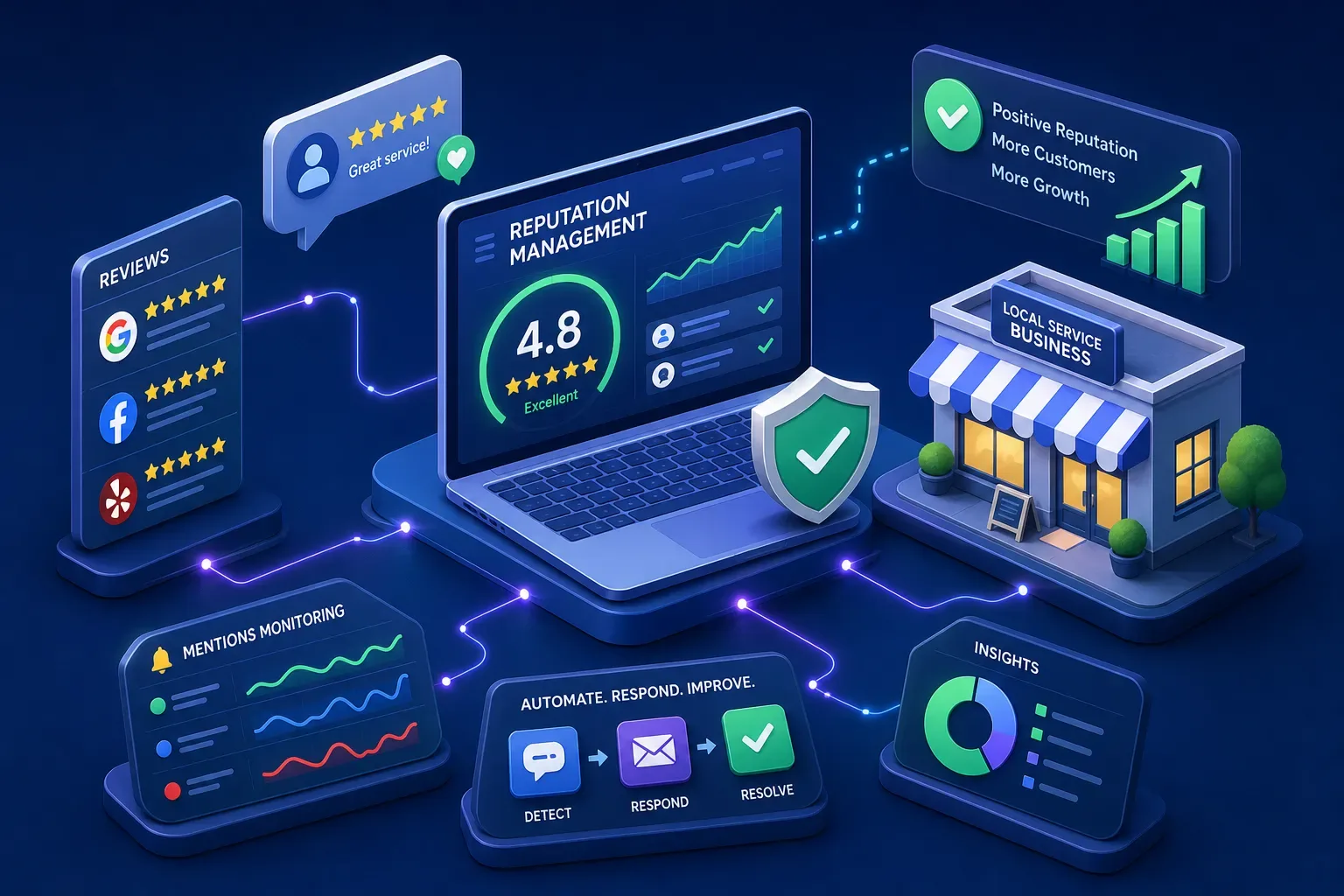
For a single-location cleaning company, landscaping crew, or repair shop, Google Business Profile's free tools handle the basics of review management. Paid reputation management software earns its monthly cost when you're managing more than one location, need automated review request workflows, require team-based approval queues, or want reporting you can actually export. This guide walks through when to stay free, what features to evaluate when you're ready to pay, and how to run a vendor demo that cuts through the sales pitch.
This is written for small service businesses, whether you're a solo operator, a shop with a small office team, or an owner managing two or three locations. If you own the review workflow, this guide is for you.
Key takeaways
- Start with the workflow: Google Business Profile supports basic review collection and replies. Pay for additional tools when monitoring, permissions, request handling or reporting create a measurable workload your current process cannot handle.
- Automation is not the same as auto-posting: AI-drafted replies with a human approval queue are very different from replies that post automatically. Know which one you're buying.
- Review gating is prohibited: Google does not allow selectively soliciting positive reviews or discouraging negative reviews. Ordinary eligibility rules, such as excluding duplicate requests, are different from filtering by expected sentiment.
- Compare total cost: Ask about seats, locations, onboarding, usage, integrations and cancellation before comparing written quotes.
- Demo before deciding: Watch a sample complaint move through assignment and approval, and inspect an actual export.
When does Google Business Profile handle everything you need?
Google Business Profile gives you a direct review link and QR code customers can use to leave feedback, the ability to reply publicly to reviews, and basic visibility into your star rating and review volume, all at no cost. For a solo operator or a single-location shop with low review volume, that covers the core loop: get reviews, read them, reply. There is no subscription, no onboarding fee, and no contract.
Google's contribution policy prohibits discouraging negative reviews and selectively soliciting positive reviews. Do not use a satisfaction survey to send only happy customers to Google while diverting unhappy customers from a public review. Apply neutral eligibility rules consistently, such as avoiding duplicate requests or honoring opt-outs.
Before buying software, assign a person to review incoming feedback and respond through Google Business Profile. Google provides review links and QR codes, plus guidance on public replies. Assess your actual workload before assuming a second location requires a paid platform. If you need one view across different review sites, controlled team approvals, scheduled requests or structured exports, ask vendors to demonstrate those specific workflows.
Reputation management software features worth paying for
Automated review requests
A useful paid capability can be review-request delivery triggered by a completed service, with appropriate permissions and opt-out handling for the chosen channel. Demonstrate the trigger, deduplication and suppression rules using test records. Do not assume automation will produce a particular percentage increase in reviews; measure your own results without selectively soliciting positive feedback.
Approval queues
An approval queue is the second feature worth prioritizing. Before any reply posts publicly, a named person on your team reviews and approves it. This matters most when the review touches a refund, a safety complaint, a personnel issue, or anything involving a specific customer's personal details. AI-drafted replies can help prepare a response, but staff must check the facts, tone and privacy. Require human approval regardless of star rating; even praise can contain private information.
Unified review feeds and reporting
For businesses with multiple locations or reviews spread across Google, Yelp, Facebook, and directory sites, a unified review feed that aggregates everything into one inbox is the clearest productivity gain. When a two-star complaint comes in at your busiest location on a Saturday night, you want your team to see it in one place, not logging into three separate platforms. Robust reputation monitoring and analytics matter if you report to a franchise network, a managing partner, or simply want to track trends without living inside another dashboard. Ask each vendor to demonstrate structured exports on demand.
Which platforms deserve a spot on your shortlist?
Build the shortlist around the work you need done. For a documented example, Birdeye's help center describes a review feed with source and status filters, replies and ticket actions. That does not establish which plan or integration fits your business. Ask a vendor to demonstrate your exact sites, permissions and workflow before buying.
Use the same scorecard for each vendor. Mark each item demonstrated, needs follow-up or unavailable.
| Capability | Demonstration to request | Pass condition |
|---|---|---|
| Monitoring | Bring a sample review into the correct location queue | Correct source and assigned owner |
| Requests | Trigger from a completed test job | Neutral eligibility, no duplicates, opt-outs honored |
| Approval | Draft a sensitive reply | Authorized reviewer must approve before posting |
| Follow-through | Assign a complaint to staff | Next action and completion are traceable |
| Export | Download sample structured data | Usable fields and clear retention limits |
| Exit | Explain cancellation and data access | Written terms and an export plan |
Clarify whether "automated response" means a suggested draft or a public reply sent without review. In a demo account, test both ordinary praise and a complaint containing sensitive details. Require the chosen approval rules to apply regardless of star rating; a five-star review can contain private information too.
How do you run a demo without getting oversold?
The goal of a vendor demo is to watch real workflows, not slide decks. Before the sales rep controls the agenda, ask your six questions and require screen-share answers for each one.
- Show me how a one-star complaint gets drafted, routed for approval, and posted. Who approves it, and where in the interface does that happen?
- What triggers an automatic escalation to a human instead of an auto-posted draft?
- What does "bulk response" mean on your platform, specifically? Is it templated, AI-generated, or both?
- Can you export 12 months of review data to a spreadsheet right now, on this screen?
- How does the system handle a review that mentions a refund request, a safety issue, or a customer's personal details?
- What's the per-location fee structure, and what happens to my data if I cancel?
Red flags that should end the evaluation: any promise of guaranteed review removal, guaranteed star rating improvement, or a workflow that routes unhappy customers away from posting publicly. These are not features. They are liabilities. A vendor confident in their platform answers your six questions without pivoting to a slide. One that can't is showing you exactly where their product falls short.
What does reputation management software actually cost, all in?
Request an itemized quote for your locations, users, request volume and review sites. Compare the same requirements across vendors. Do not treat third-party price estimates or a "starting at" figure as your budget.
The monthly subscription may not be the whole number. Before signing anything, work through each of these potential add-ons:
- Per-location fees if you add a second or third location mid-year
- Per-seat pricing for each team member who needs access
- Onboarding and setup fees beyond the monthly rate
- Integration costs for connecting to your CRM or scheduling software
- SMS and email volume charges if review request messages are billed per send
- Support tier costs, since phone or live-chat support may cost extra on lower plans
Compare monthly and annual offers if available, including the full commitment, renewal date, cancellation notice and any export restrictions. Obtain the terms in writing.
One number worth calculating before you decide: what is the total cost of ownership (TCO) per location per month, all in, at your expected 12-month usage? That figure tells you more than the headline price and lets you compare reputation management SaaS options on an honest footing.
How reputation management software fits your office workflow
Choosing the right platform is half the decision. The other half is deciding who in your business owns the review queue, what response time you're committing to, and how escalations get handled when a reply needs more than a draft. Without that operational clarity, even a well-configured review management platform turns into another tool nobody checks.
A complaint may point to a missed callback, unclear estimate or unresolved service problem. Assign that underlying issue to someone who can act. A public response and a completed customer-service follow-up are different outcomes; track both.
The software organizes information; your workflow decides what happens next. For response-writing tactics, see how to respond to Google reviews. Bring your review process to a conversation with Maximus to discuss how it connects with the office's customer follow-through, and confirm which capabilities fit your business.
Frequently Asked Questions
Is it safe to use AI to draft review replies for my business?
AI can help draft replies, but a human should check the facts, tone and privacy before posting. Do not let a draft invent a refund, admission or promise. Keep customer details out of the public response.
Should I trust promises to remove negative reviews or guarantee a higher rating?
Do not rely on such guarantees. A platform can help report a review under the review site's rules, but the site decides whether it is removed. Buying software does not guarantee ratings, rankings or removals.
How much improvement in review volume can I expect after automating review requests?
There is no guaranteed increase. Establish a baseline, apply a consistent request policy and measure delivered requests, genuine reviews and staff time over a defined pilot. Avoid treating vendor success stories as a forecast for your business.
Will filtering who gets a review request keep negative reviews away from my Google Business Profile?
Do not filter by expected sentiment. Google prohibits discouraging negative feedback and selectively requesting positive reviews. Neutral rules for duplicate requests, actual customer eligibility and opt-outs are different; ask the vendor to show exactly how its selection logic works.