Workiz Pricing Explained: Is it Worth It for Small Home Services Shops?
Most shop owners looking at Workiz see the headline number and assume that's their monthly bill. It isn't.
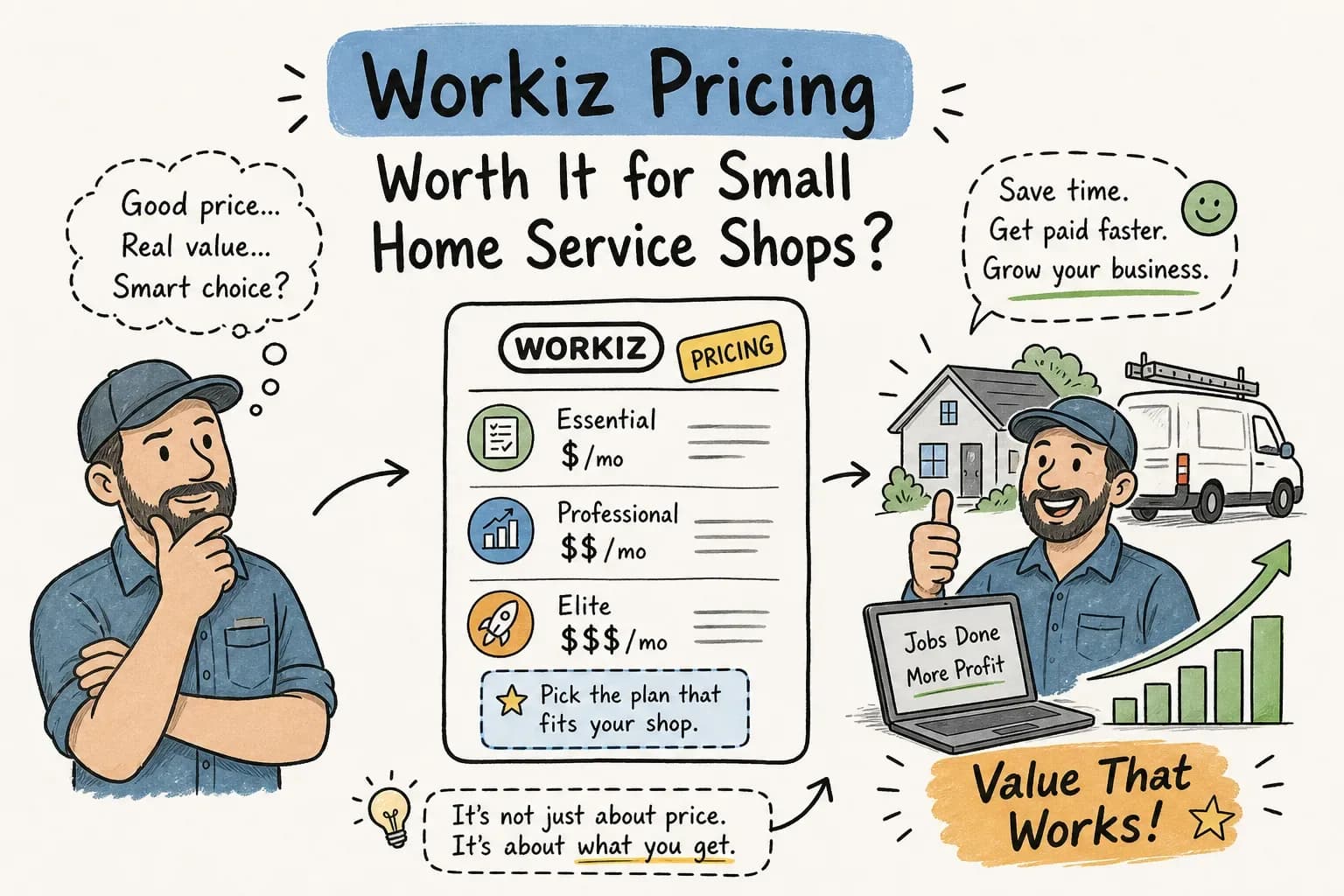
Most shop owners looking at Workiz see the headline number and assume that's their monthly bill. It isn't. Workiz pricing is structured so that per-user charges, the phone system add-on, payment processing fees, and plan-gated features can push your real monthly cost substantially higher than the advertised rate, often well above what you'd expect before the first month is out.
This article breaks down every Workiz plan, what the real monthly cost looks like for a 3-to-10-tech shop, and how Workiz stacks up against Jobber and ServiceTitan at the $1M, $5M revenue level. We built Maximus to handle the office side of our own HVAC company before we ever offered it to anyone else, so we've seen firsthand how much the right FSM software matters, and how much it still leaves on the table without the right operational layer behind it.
What each Workiz pricing tier actually includes in 2026
The current Workiz lineup runs five tiers: Lite, Kickstart, Standard, Pro, and Ultimate. Worth knowing upfront: Workiz's official pricing page has moved toward a partial quote-based model for some tiers, so the numbers here come from publicly available third-party data and comparison sources, including review aggregators such as Capterra and G2. The core logic is consistent across all tiers: plans are capped by user count, not just by features, and each step up unlocks automations, integrations, and AI tools.
The plan-by-plan breakdown from Lite to Ultimate
Here's how the tiers stack up based on the best available 2026 published data:
- Lite: Free, 2 users, 20 jobs/month cap. Useful only for solo operators testing the platform before committing.
- Kickstart: $225/month (or $187/month billed annually), 3 users, unlimited jobs, basic phone and SMS tools, online payments.
- Standard: $275/month ($229/month annually), 5 users, QuickBooks integration, location tracking, 5 automations.
- Pro: $325/month ($270/month annually), 5 users, AI scheduling, Genius AI answering, 10 automations.
- Ultimate: Custom pricing, 30 automations, sales proposals, multi-location support, dedicated support.
One detail that catches shops off guard: QuickBooks integration is not available on the Kickstart plan. If your books are in QuickBooks, you're on Standard at minimum, regardless of how small your team is. Most shops in the $1M, $5M range are already running QuickBooks, which means Kickstart is effectively off the table for them.
Annual vs. monthly billing: the actual savings math
The annual discount runs roughly 17% across plans. On the Standard plan alone, that works out to about $552/year in savings. On Kickstart, the difference between $225/month and $187/month billed annually saves around $456/year; on Pro, dropping from $325 to $270/month saves roughly $660/year. Those numbers are worth taking if you're committed long-term, but they also mean switching mid-year is costly. The Workiz hidden fees and add-on costs covered below hit regardless of billing cycle, so the savings math only holds if the platform is actually the right fit.
What your real monthly bill looks like once add-ons stack up
The base subscription covers a fixed number of seats. The moment your team grows past those included users, per-seat charges start compounding. A 6-tech shop on the Standard plan, which includes 5 users, immediately pays an extra-user charge for every additional seat, and that charge hits every single month.
Per-user costs and how fast they compound
Third-party pricing sources put additional seats at $46, $55/month per user on Standard and $54, $65/month per user on Pro. Run the math for a 7-tech shop on Standard: $275 base plus 2 extra users at $55 each equals $385/month before a single transaction fee. Here's how the Workiz monthly cost per user compounds by team size:
- 1, 3 techs: You fit within the Kickstart or Standard seat allotment. Base plan cost is your primary variable, typically $225, $275/month.
- 4, 6 techs: You're at Standard or Pro base, likely adding one extra seat. A reasonable budget is $325, $380/month for the subscription alone, using Standard plus one extra seat at the high end of the reported range, before any add-ons.
- 7, 10 techs: Expect $385, $600/month or more in subscription costs before add-ons, depending on the plan and seat overages. For example, a 7-tech shop on Pro ($325 base) with 2 extra seats at $65 each runs $455/month before add-ons.
Add-ons and payment processing that hit every month
Three add-ons most shops end up needing are the phone system, Genius AI answering, and card payment processing. According to third-party review sources, the phone system runs approximately $100/month and includes around 1,500 SMS messages, with $0.01 per message after that. Genius AI answering is reported at approximately $200/month. Card processing runs 2.9% plus $0.30 per transaction; ACH runs around 1%.
Here's a concrete example. A 4-tech shop running $50,000/month in card payments pays roughly $1,450 in processing fees (2.9% of $50,000) on top of their Workiz subscription fees, and that's before per-transaction charges on individual jobs. That's not a criticism of Workiz, since every platform charges processing. But owners need to factor it in when comparing total platform costs. A typical 3-to-5-truck shop with the phone system and AI answering add-ons activated can reasonably land at $1,400, $2,100/month all-in before payment processing enters the picture.
The hidden limitations that don't show up on the pricing page
The subscription price and the add-on fees are only part of the picture. Several feature restrictions are gated by plan in ways that are easy to miss. Workiz's free trial may not clearly signal which features disappear on a paid plan, multiple user reviews note discovering gated limitations only after upgrading. You can end up using a feature during the trial period and find it locked behind a higher tier once you're on a paid plan.
Phone, SMS, and API restrictions worth knowing
The Workiz phone system is a separate add-on, not bundled into the base subscription. SMS is usage-based once you exceed the allotment that comes with the phone add-on. For shops running appointment confirmations and job-day reminders across a full tech roster, message volume adds up faster than most owners expect. API access and advanced reporting are also gated to higher-tier plans, which matters if you're trying to connect Workiz to business systems beyond QuickBooks.
Integration and feature gating by plan
As noted earlier, QuickBooks integration requires Standard or above. If your team is small enough that Kickstart's 3-user cap fits but your books are in QuickBooks, you're still forced up a tier to get the integration you actually need. AI scheduling and Genius answering only unlock at Pro ($325/month before add-ons), positioning that plan as the realistic all-in option for shops that want the full feature set. For most HVAC or plumbing shops in the $1M, $5M revenue range, where QuickBooks, call management, and scheduling automation are standard needs rather than luxury features, Pro is the practical baseline, not a premium upsell.
Workiz vs. Jobber vs. ServiceTitan: which platform makes sense at $1M, $5M revenue
At this revenue level, the FSM software decision isn't about the cheapest entry point. It's about which platform fits how your shop actually runs: how calls come in, how jobs get dispatched, how customers get billed, and how your data connects to your books.
Where Workiz holds a real advantage
Workiz was built around inbound call-heavy, dispatch-intensive trades. Its native phone system, live GPS tracking, and call management features are consistently rated stronger than Jobber's out-of-the-box offering, and more purpose-built than ServiceTitan's enterprise-first architecture. For HVAC shops running 4, 8 techs where phone triage and dispatch visibility are daily pain points, Workiz's Pro plan delivers those capabilities without requiring a custom enterprise contract.
Where Jobber and ServiceTitan pull ahead
Jobber is often a better fit for shops that don't need native call handling. Its client portal, recurring job management, and straightforward UI earn solid reviews from smaller operators, and it typically enters at a lower monthly cost than Workiz for equivalent team sizes. ServiceTitan is the enterprise-grade option with deeper reporting, multi-location support, and stronger integration depth, but it comes with enterprise-grade pricing: roughly $1,000, $2,800/month for a 3-to-7-tech shop, plus implementation fees that can run $5,000, $15,000 upfront. For a $1M, $5M shop, ServiceTitan often means paying for capacity you won't use for years.
The ROI question every owner should ask before choosing any FSM platform
Picking the right FSM software is necessary. But it's not sufficient. A decade of running a home services company taught us one consistent truth: the software captures data. What you do with that data determines whether it pays for itself.
The gap no FSM platform fills on its own
Every platform, Workiz included, will show you aging invoices, dormant customers, missed call logs, and underpriced jobs. What none of them do is act on that information automatically at 11pm when you're not watching. Calls still go unanswered after hours. Invoices still age past 60 days. Customers who haven't booked in 18 months stay dormant. That's not a software failure; it's a coverage gap that software alone isn't designed to close.
How an AI automation layer like Maximus closes that gap
Whichever FSM platform you choose, an AI office automation layer is what turns captured data into recovered revenue. Maximus integrates directly with Workiz, Jobber, and ServiceTitan to answer calls around the clock, chase aging AR automatically, and run dormant customer reactivation campaigns, then delivers a 7am morning briefing so you walk in knowing exactly what happened overnight. In our own HVAC company, one reactivation campaign drawing on QuickBooks history recovered over $31,000 in a single push. The FSM software made that data visible. Maximus made it actionable. The right platform paired with the right operational layer is what actually maximizes your software investment, regardless of which platform you pick.
The bottom line on Workiz pricing
Workiz is competitive when you look at the base plan. It gets more complicated once Workiz subscription fees, per-user charges, the phone system add-on, Genius AI answering, and payment processing stack up. For a 5-to-7-tech HVAC or home services shop running phone-heavy dispatch operations, the Pro plan is the most complete option in the Workiz lineup, but you'll likely land at $600, $900/month all-in before processing fees. Jobber is the stronger fit for shops that want lower cost and a simpler all-around tool. ServiceTitan is the right call when you're scaling to multiple locations and need enterprise reporting depth.
Whatever you decide, don't stop at the FSM subscription. The bottom line on Workiz pricing, and on any FSM platform, is that the software captures your data, but operational systems determine what you do with it. The shops that grow from $1M to $5M are the ones making sure every call gets answered, every invoice gets collected, and every dormant customer gets a reason to come back. Book a 20-minute walkthrough with Maximus and we'll show you exactly what that looks like for a shop your size.