7 Appointment Confirmation Text Templates for Home Services
A technician pulls into an empty driveway. He knocks, waits, calls the number on file, and gets voicemail. Forty-five minutes of drive time gone.
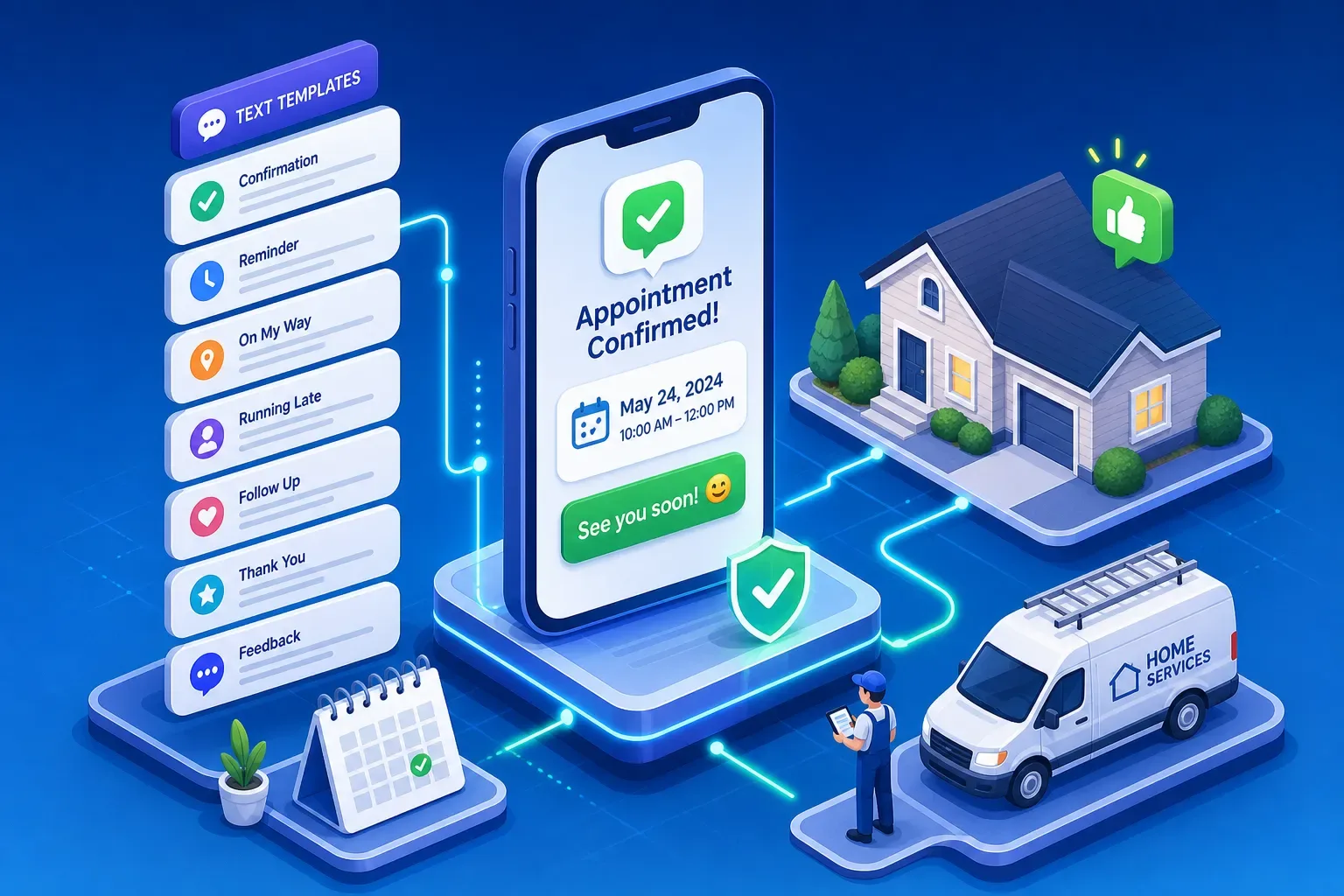
A technician pulls into an empty driveway. He knocks, waits, calls the number on file, and gets voicemail. Forty-five minutes of drive time gone. The next job is now late. The day falls apart from there. And the root cause is almost always the same: nobody confirmed the appointment. Well-timed appointment confirmation texts would have caught this before the truck ever rolled. Industry data on two-way SMS flows shows confirmation rates reaching 89% compared to 61% for one-way reminders, a gap that comes down to whether customers are asked to respond or just notified. The seven templates below, along with the timing and structure behind them, give you everything you need to stop this from happening.
Why no-shows cost home services businesses more than they realize
Home services run a different math than most businesses. A dental office double-books. A restaurant seats the next table. A home services shop sends a technician to one address at one time, and if that customer is not there, the slot is gone. No-show rates in HVAC and plumbing typically run between 8% and 12%, with shops that lack a strong confirmation system landing closer to the high end of that range. Multiply that by a full dispatch board and you are talking about real money left on the table every single week.
The downstream damage compounds fast. A missed appointment does not just waste the tech's time. It blocks a slot that another customer could have filled. It shifts the whole day's schedule. It burns fuel. It puts the technician behind for every subsequent job. Shops that track this carefully find the revenue leak is operationally significant, and it almost always traces back to a confirmation process that relies on hope instead of a system.
The good news is this is one of the most fixable problems in home services operations. A structured SMS confirmation sequence can reduce no-shows by 30% to 50%, and a well-built two-way flow pushes that further. The fix does not require hiring anyone. It requires the right templates, the right timing, and a clear call to action.
What every effective confirmation text needs
Strip away everything that is not necessary and five elements remain: the customer's name, the service type, the date and time, your business name, and one clear CTA. That CTA should be a single keyword reply ("YES to confirm, CHANGE to reschedule") or a direct link to a reschedule page. Anything beyond those five elements adds friction and reduces the chance of a reply.
Keep every message under 160 characters. That is one standard SMS segment, and it keeps the message readable at a glance on any phone. Avoid emojis: a single emoji shifts the encoding to Unicode (UCS-2) and drops your character limit to 70, which often forces a two-part message with worse deliverability. Write in plain language. If it does not help the customer confirm or reschedule, cut it.
The CTA matters more than most operators realize. A customer who receives "See you Tuesday!" has no obvious next action. A customer who receives "Reply YES to confirm or CHANGE to reschedule" knows exactly what to do. The easier you make it to respond, the more people will respond. A clear CTA is a major contributor to higher reply rates, combined with a two-way flow, it helps explain much of the difference reported between one-way and two-way confirmation systems.
7 appointment confirmation text templates, ready to copy
1. Instant booking confirmation
"Hi [Name], you're booked with [Business] for [Service] on [Date] at [Time]. Reply YES to confirm or CHANGE to reschedule. Questions? Call [Phone]."
Send this immediately after the appointment is created. The customer just made the booking, so their number is fresh and the context is obvious. This is your first confirmation touchpoint and it sets the expectation that replies are expected.
2. 48-hour reminder
"Reminder: [Business] is scheduled for [Service] at your home on [Date] at [Time]. Reply YES to confirm or RESCH to reschedule."
Two days out gives the customer enough runway to reschedule without leaving you stranded. This is the message that catches the people who had every intention of being home but scheduled something else in the meantime.
3. 24-hour reminder with confirm CTA
"Hi [Name], your [Service] appointment with [Business] is tomorrow at [Time]. Reply YES to confirm. Need to reschedule? Reply CHANGE and we will sort it out."
The 24-hour message is your highest-leverage touchpoint. Most decisions to cancel or reschedule happen in this window, and catching them here means you still have time to backfill the slot with another job.
4. Day-of morning reminder
"Good morning [Name], your [Business] tech is on the schedule for today at [Time]. Reply STOP to cancel or call [Phone] if anything changes."
Send this between 7 and 8 AM on the day of the appointment, early morning tends to reach home services customers before their day gets moving. At this point you are not asking for a confirmation so much as giving the customer one last easy exit before the truck rolls. A cancellation at 7 AM is recoverable. One at 10 AM, mid-drive, is not.
5. Two-way confirmation with reschedule link
"Hi [Name], please confirm your appointment for [Service] on [Date] at [Time]. Reply Y to confirm or N to cancel. To reschedule: [Link]."
Including a reschedule link converts would-be no-shows into rescheduled appointments instead of just empty slots. Customers who cannot make the original time often do not call because they do not want the friction. A link removes that barrier entirely.
Appointment confirmation texts: technician en-route example
"Your [Business] tech is on the way. Estimated arrival: [Time Window]. Questions? Call [Phone]."
This type of en-route booking notice substantially reduces "I forgot" no-shows and also improves the customer experience. Customers who know the tech is on the way are ready and waiting. Customers who are surprised by a knock at the door are not always happy about it.
7. No-reply follow-up
"Hi [Name], we have not heard back about your [Date] appointment with [Business]. Reply YES to confirm or CHANGE to reschedule. We hold the slot until [Cutoff Time]."
Use this when a customer has not replied to either the 48-hour or 24-hour message. The slot cutoff creates a soft urgency without being aggressive. It also gives you a clear decision point: if they have not replied by the cutoff, you know to flag the appointment for review before the tech leaves.
When to send appointment confirmation texts for the best response rate
The most effective sequence is three touchpoints: an immediate booking confirmation right after scheduling, a 48-hour reminder, and a 24-hour reminder. For high-value jobs or customers with a history of no-shows, add the day-of morning message. That four-message sequence covers every realistic scenario and, in higher-performing implementations, can bring no-show rates into the 5% to 8% range.
Timing within the day matters more than most people expect. The day-before reminder tends to perform better when sent in the early evening, around 6 PM, compared to a morning send. The customer is off work, checking their phone, and actually thinking about tomorrow's schedule. A 9 AM reminder on a Wednesday often sits unread until the customer gets home anyway, so you might as well send it when it actually lands at the right moment. Send the 24-hour reminder the evening before, not the morning of.
One more principle worth internalizing: the 48-hour window is where you recover slots, not the 24-hour window. A customer who needs to reschedule two days out is much easier to absorb into the schedule than one who bails the night before. Design your sequence to surface those reschedules as early as possible, and you will stop losing full days to last-minute disruptions.
Automate the replies so your staff is not doing this at 6 PM
The problem with a manual confirmation process is not the outbound texts. It is everything that comes after. Someone has to read the incoming replies, update the schedule, send a reschedule link when someone texts CHANGE, and flag the non-responders for follow-up. On the night before a full dispatch day, that is a real operational burden, and it usually falls on whoever is available, which means the owner.
Two-way confirmation flows solve this by handling the reply logic automatically. A customer texts YES and the appointment locks in. They text CHANGE and a reschedule link goes back to them immediately, no staff involvement required. Non-responders get the follow-up message at the right cutoff time. The dispatch board stays accurate without anyone manually touching it.
Platforms built for home services handle this automatically, and this is exactly where Maximus earns its place in a home services operation. Maximus is an AI-powered front office platform built specifically for owner-operators running HVAC, plumbing, and home services shops. It handles the full confirmation sequence: outbound messages, reply handling, reschedule flows, and flagging anything that needs human attention. The confirmation automation is one piece of a larger operational layer that keeps the business running without the owner in the middle of every task.
What you need to know before you start texting customers
Under the TCPA, you need prior express written consent before sending appointment-related texts to a customer's mobile number. For home services, that consent is typically straightforward: the customer provides their mobile number when booking and agrees in writing, via a checkbox on a booking form or a digital consent capture, to receive appointment-related texts. Written or electronic consent is the lower-risk approach and gives you a clear record if a complaint arises. Verbal acknowledgment is harder to document and may not satisfy consent requirements in all situations. Requirements can also vary by state, so consult legal counsel if you are unsure about your specific setup.
Do not confuse appointment confirmation consent with marketing consent. If you want to send promotional messages, discount offers, or sales texts, that is a separate opt-in with a higher legal standard. Keep your confirmation sequence strictly informational: date, time, service, and a CTA to confirm or reschedule. Once you drift into promotion, the rules change.
Every message in your sequence needs a clear opt-out path. "Reply STOP to unsubscribe" is the standard language, and it must actually work. Per carrier requirements, if a customer texts STOP, that number must be removed from your list promptly. Every booking form or digital consent capture should also include: "Message and data rates may apply." These two items are not optional, and skipping them creates compliance exposure that no appointment reminder is worth.
Start with the templates and build from there
The seven templates above cover every stage of the appointment lifecycle, from the instant booking confirmation to the no-reply fallback. Use the three-message or four-message cadence, send the day-before reminder in the evening, and build in a two-way reply path with a reschedule option. Those three decisions alone will lift your confirmation rate and reduce the number of empty driveways your techs are pulling into each week.
Start using these appointment confirmation texts today and the results will show up fast: fewer no-shows, a cleaner dispatch board, and technicians arriving at jobs that are confirmed and ready. If you want the entire system running without manual effort, a platform like Maximus handles the outbound messages, reads the incoming replies, manages reschedule flows, and keeps your dispatch board clean automatically. That is a better use of everyone's time, including yours.
Frequently asked questions about appointment confirmation texts
Do I need customer consent before sending appointment confirmation texts?
Yes. Under the TCPA, you need prior express written consent before texting a customer's mobile number, even for informational messages like appointment reminders. A checkbox on your booking form or a digital consent capture at the time of scheduling is the standard approach. Keep records of that consent.
What opt-out language is required in confirmation texts?
Include "Reply STOP to unsubscribe" in your messages and honor opt-out requests promptly per carrier requirements. Also include "Message and data rates may apply" in your consent capture. These are not optional, skipping them creates compliance exposure.
Can I send the same confirmation text template for marketing offers?
No. Appointment reminders and promotional messages require separate consent. Keep your confirmation sequence strictly informational. If you want to send discounts or offers, get a separate marketing opt-in from the customer.
How many characters can a confirmation text be?
Keep messages under 160 characters for standard GSM-7 encoding. Adding an emoji shifts the encoding to Unicode (UCS-2) and drops the limit to 70 characters per segment, which can split your message into two parts and hurt deliverability.
What is the best time to send a day-before appointment reminder?
Early evening around 6 PM tends to outperform morning sends for home services customers. They are off work, checking their phones, and actively thinking about the next day's schedule. That said, optimal timing can vary by audience, A/B testing your send windows will tell you what works best for your customer base.