Best Dispatch Software for HVAC Companies in 2026
Picking dispatch software for your HVAC company sounds straightforward until you're three demos deep and more confused than when you started.
Picking dispatch software for your HVAC company sounds straightforward until you're three demos deep and more confused than when you started. Every platform claims to be built for field service. Most of them are built for someone slightly different from you. The right tool depends on how many techs you run, whether you're doing residential or commercial work, and what your back office actually looks like today.
At Maximus, we run our own HVAC company alongside the platform we've built for home services owners, so we've seen firsthand what dispatch tools do well and where they leave owners scrambling. This guide cuts through the noise. You'll get a clear picture of which platforms fit which shop sizes, what features actually matter in the field, and what a realistic budget looks like. By the end, you'll have a shortlist and a checklist, not just more browser tabs.
What dispatch software for HVAC actually handles (and where it stops)
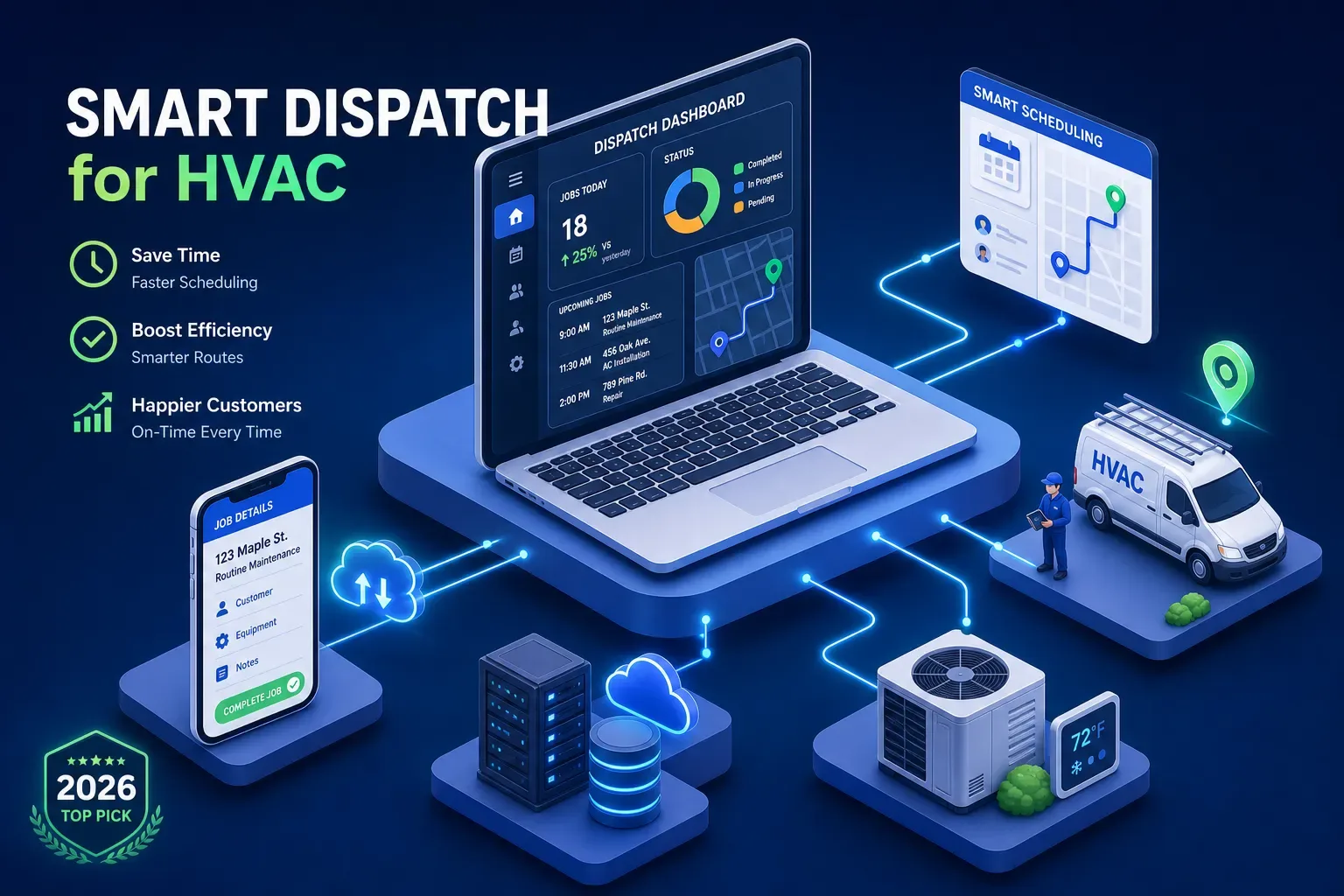
Dispatch software exists to solve a specific operational problem: getting the right technician to the right job at the right time. The best HVAC service management software combines a visual dispatch board, smart job assignment, route optimization, and real-time technician tracking in a single dashboard. That covers the coordination layer of your operation well. Most shop owners who switch from manual scheduling or basic calendar tools immediately notice fewer double-bookings, shorter drive times, and a clearer view of who's doing what throughout the day.
Here's what none of these tools handle: the phone call that comes in at 8:45 p.m., the invoice sitting 47 days overdue, or the customer who used your company three years ago and hasn't heard from you since. Dispatch software manages jobs in progress. It doesn't generate new ones, recover old revenue, or run your front office while you're on a job site. That distinction matters when you're deciding what software to buy and what else you might need alongside it.
Matching the right platform to your shop size
For smaller residential HVAC shops running one to seven technicians, Jobber and Housecall Pro consistently come out on top. Both offer transparent tiered pricing, fast onboarding, and dispatch boards that don't require a full-time admin to manage. Jobber is especially clean for owner-operators who want solid scheduling, client management, and invoicing without a steep learning curve. Housecall Pro adds GPS tracking and automated "on my way" customer messaging, which works well for residential teams focused on customer experience. Neither platform will overwhelm a crew of five, and both integrate with QuickBooks.
Once you've crossed into the eight to twenty-five technician range, platforms like FieldEdge, FieldPulse, and Service Fusion start earning their price. FieldEdge is built specifically for HVAC and includes flat-rate pricing, equipment history tracking, and deeper dispatch control for multi-crew coordination. FieldPulse adds real-time GPS rerouting and is more flexible for shops running multiple service types. Service Fusion is a solid mid-market option for shops that want reliable QuickBooks sync without the enterprise complexity or the enterprise price tag.
At scale, or for commercial mechanical contractors, ServiceTitan and BuildOps are the names that come up most. ServiceTitan is a broad platform with deep dispatch, reporting, marketing automation, and financing tools built in. It's also the most expensive and carries the longest implementation timeline. BuildOps has been gaining ground in commercial HVAC specifically, with stronger compliance tracking and asset management for multi-site portfolios. Neither is a casual commitment, so the ROI math matters before you sign anything.
Features of dispatch software for HVAC that actually move the needle
Route optimization is the feature that shows its value fastest. Platforms like FieldPulse, Housecall Pro, and ServiceTitan all offer it, but implementation quality varies. The best setups factor in live traffic, job duration estimates, and technician skill matching, not just geography. Real-time GPS tracking closes the loop on the dispatcher side, giving you visibility into where every tech is without relying on check-in calls.
Route optimization and GPS tracking
HVAC shops that implement optimized routing typically report 10 to 30 percent reductions in drive time, which translates directly into more billable hours per day. Even a modest 20-minute daily reduction per tech adds up fast across a crew of ten.
Mobile app quality
Your dispatching software for contractors is only as good as what your techs can access in the field. A strong mobile app should let technicians view job details, capture signatures, take photos, and submit invoices on-site. Offline capability matters for jobs in basements, large commercial buildings, or anywhere cell signal isn't reliable. FieldPulse has the clearest documented offline support of the platforms on this list: it automatically saves edits locally and syncs when connection returns. Before you commit to any platform, put the mobile app in front of two or three technicians and ask them to walk through a full job workflow. Their friction points are your real implementation risk.
QuickBooks and third-party integrations
QuickBooks integration is non-negotiable for most HVAC shops, and every major platform here supports it at some level, though sync depth varies. QuickBooks Desktop users will find fewer options: ServiceTitan, FieldEdge, and Housecall Pro all support it, while some newer platforms have moved on entirely. Beyond accounting, check whether the platform integrates with your phone system, your CRM if you have one, and your pricing database. Gaps in the integration stack create manual data entry, and manual data entry creates errors.
What this software actually costs in 2026
Pricing in this category splits into two groups: platforms that publish clear pricing and platforms that require a sales call. Housecall Pro and Jobber publish tiered plans, which makes budgeting easy before you talk to anyone. ServiceTitan, FieldEdge, and BuildOps all use custom quote models. ServiceTitan runs approximately $245 to $500 or more per technician per month depending on tier and add-ons, meaning a five-tech shop can realistically budget $1,200 to $2,500 per month before implementation. That's a meaningful line item for a shop under $3M in revenue.
Implementation fees, onboarding costs, and data migration are where the real bill can surprise you. ServiceTitan implementations can run $10,000 to $25,000 upfront for a five to ten tech shop and take 60 to 90 days before your team is operating at full capacity. Simpler platforms like Jobber and Housecall Pro can be up and running in under two weeks, with Housecall Pro reporting no onboarding fee at all. Factor in the productivity dip during training, the admin hours spent on data entry during the transition, and the time your dispatcher spends relearning workflows. The subscription cost is only part of the true first-year investment.
At-a-glance comparison
| Platform | Best For | Pricing Model | Est. Monthly Cost (5 techs) | QuickBooks Desktop |
|---|---|---|---|---|
| Jobber | 1, 7 techs, residential | Published tiers | ~$200, $350 | Online only |
| Housecall Pro | 1, 7 techs, residential | Published tiers | ~$250, $400 | Yes |
| FieldEdge | 8, 25 techs, HVAC-specific | Custom quote | ~$500, $900 | Yes |
| FieldPulse | 8, 25 techs, multi-trade | Published tiers | ~$400, $700 | Online only |
| Service Fusion | 8, 25 techs, mid-market | Published tiers | ~$350, $650 | Yes |
| ServiceTitan | 25+ techs, full-scale | Custom quote | $1,200, $2,500+ | Yes |
| BuildOps | Commercial HVAC | Custom quote | Contact for pricing | Yes |
The ROI numbers worth knowing before you sign anything
The ROI case for HVAC dispatch software is real and measurable when you track the right things. Route optimization consistently reduces drive time by 20 to 35 minutes per technician per day, which compounds into one to two additional jobs per tech per week. At an average ticket of $300 to $600 for a residential HVAC call, that's a meaningful revenue lift per technician per month. Fuel cost reductions in the 10 to 20 percent range are also commonly reported once routing replaces manual dispatching.
The break-even math is straightforward when you set it up correctly. Take your current average jobs per tech per day, your average job revenue, and your current drive time cost. Then model what a 15 percent improvement in each looks like over 12 months. If the platform pays for itself within 90 days, the decision is easy. If break-even stretches past 18 months, that's a signal to reconsider the tier you're buying. Don't let a sales rep run this math for you. Use your own ticket averages and crew size.
How to evaluate demos, and the gap no dispatch software for HVAC fills
Walk into every demo with the same five questions:
- How long does implementation take for a shop my size?
- What does onboarding look like after the contract is signed?
- Can my techs use the mobile app offline?
- How does the QuickBooks sync handle multi-class tracking?
- What does off-boarding look like if we switch platforms in 18 months?
The answers to those five questions tell you more about the vendor than any feature walkthrough will.
One more thing worth saying plainly: field service management (FSM) software for HVAC runs your operation once a job is booked. It doesn't book the job from the missed call at 9 p.m. It doesn't follow up on the invoice that's been sitting unpaid for 47 days. It doesn't run a reactivation campaign on the 300 customers in your QuickBooks history who haven't called in two years. In the shops we work with at Maximus, we consistently see owners quietly bleeding revenue from those gaps, missed after-hours calls and aging receivables, while their dispatch board looks full. That's a separate layer entirely, and most field service platforms never touch it.
This is exactly the problem Maximus was built to solve. The platform works alongside your dispatch software as an AI front office layer, handling 24/7 call answering, job booking, AR follow-up, and dormant customer reactivation. The right dispatch tool paired with the right front office layer creates an operation that keeps running even when you're not.
The short version
There's no single best dispatch software for HVAC companies. There's only the right fit for your shop size, your crew, and your budget. Small shops with under seven technicians should start with Jobber or Housecall Pro. Mid-size operations running eight to twenty-five techs will get more structure and control from FieldEdge, FieldPulse, or Service Fusion. If you're scaling past twenty-five techs or doing commercial work at volume, ServiceTitan or BuildOps is where you'll end up.
Before you sign anything, model the ROI with your own numbers and put the mobile app in front of your techs. Ask the hard questions about implementation timelines and hidden costs. HVAC dispatch software handles the jobs already in the system well. What happens with the calls you miss, the invoices you haven't collected, and the customers who've gone quiet. That's a different problem entirely, and it deserves a different solution.
If you want to see how Maximus handles that other half of the operation, the front office work that runs whether you're on a job site or not, book a walkthrough. We'll show you exactly what it looks like running inside an actual HVAC shop.
Frequently asked questions about dispatch software for HVAC
What is the best dispatch software for small HVAC companies?
For shops running one to seven technicians, Jobber and Housecall Pro are the most practical starting points. Both offer transparent pricing, quick onboarding, and dispatch boards that don't require a dedicated admin to manage.
How much does HVAC dispatch software cost per month?
Costs range widely by platform and team size. Budget-friendly options like Jobber and Housecall Pro can run $200 to $400 per month for a small crew. Enterprise platforms like ServiceTitan can reach $1,200 to $2,500 or more per month for five technicians before implementation fees.
Does dispatch software for HVAC integrate with QuickBooks?
Most major platforms do, though sync depth varies. ServiceTitan, FieldEdge, Housecall Pro, and Service Fusion all support QuickBooks Desktop. Some newer platforms support QuickBooks Online only, so confirm this before signing.
What's the difference between HVAC dispatch software and a full field service management platform?
Dispatch software focuses on job coordination, scheduling, routing, and technician tracking. Full field service management (FSM) platforms layer in invoicing, reporting, customer history, and sometimes marketing tools. Most of the platforms in this guide are FSM platforms with strong dispatch capabilities at their core.