Best Electrician Scheduling Software in 2026
Most electrical contractors buy electrician scheduling software expecting it to fix their business. What it actually fixes is the calendar.
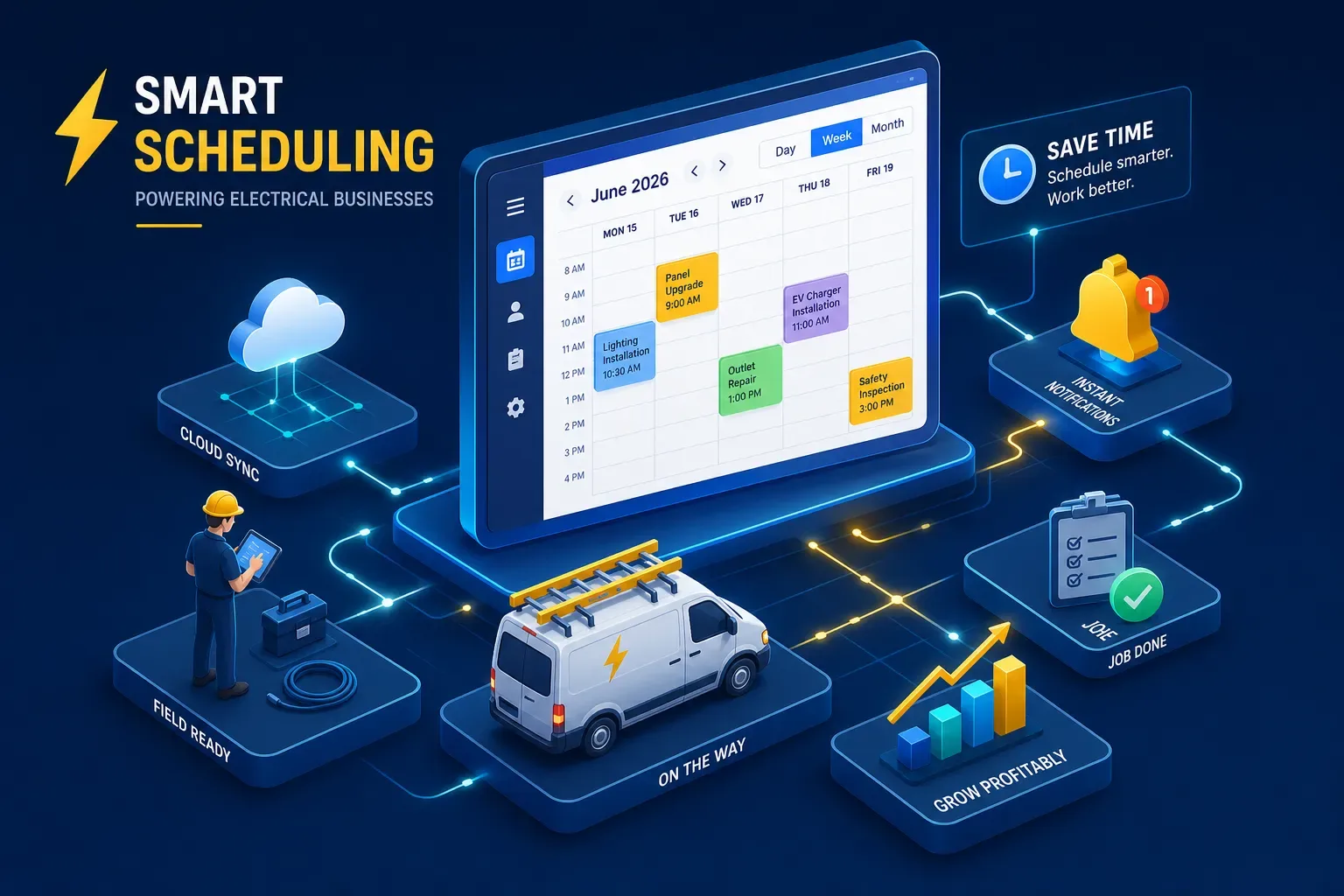
Most electrical contractors buy electrician scheduling software expecting it to fix their business. What it actually fixes is the calendar. That's a real improvement, but it's not the full operational picture, and buying it with the wrong expectations leads to frustration six months in.
This guide covers the leading electrician scheduling software options in 2026, what each one does well, how pricing stacks up by crew size, and where every one of them falls short. Smarter shops have started pairing their field service software with an AI operational layer to close the gaps that scheduling tools were never designed to handle. We'll get to that too. But first, a clear baseline on what you're actually buying.
What electrician scheduling software actually solves
Scheduling platforms are built for one thing: keeping technicians moving. They manage job booking, assign work orders, and push automated notifications to customers so nobody's sitting in the dark wondering when your crew shows up. The best ones also handle route optimization and mobile check-ins, which means a dispatcher with 12 techs in the field can see the whole board at once and make real-time decisions. That's a genuinely useful thing to have.
Picture a well-functioning dispatch workflow: a customer books online or calls in, the job lands on the dispatch board, the system assigns the nearest available tech based on location and skills, and the customer gets a text confirmation with an arrival window. That loop works well when every job enters through the front door during business hours. The problem is that not every job does.
Where most shops hit a wall
Scheduling software doesn't answer your phone at 7 PM when a homeowner's panel is throwing breakers. It doesn't flag the invoice that's been sitting unpaid for 45 days. It doesn't send a follow-up to the customer who got a quote three weeks ago and went quiet. These aren't software bugs, they're operational gaps that exist outside the calendar. Understanding that distinction before you buy saves a lot of disappointment.
The top electrician scheduling software options in 2026
Rather than rank these by "best overall," the more useful frame is matching a platform to your crew size. The tool that's right for a solo electrician is genuinely different from what a 15-tech shop needs.
QuoteIQ and Jobber: built for solo pros and small crews
QuoteIQ starts at $29.99 per month and is one of the cleaner flat-rate options for smaller electrical operations. It handles scheduling, dispatch, and invoicing without the overhead of a platform built for enterprise complexity. Jobber starts at $39 per month on the Core plan and carries a 4.6 out of 5 rating on both G2 and Capterra, which is one of the more consistent scores in this category. Both tools handle scheduling, client records, and invoicing without overwhelming a one-to-three technician operation.
Jobber's integration with QuickBooks Online is one of its genuine strengths for shops already running their books there. The sync is one-way from Jobber to QuickBooks, meaning Jobber is the source of truth for clients and invoices. That's worth knowing before setup so you build your workflow accordingly.
Housecall Pro and FieldEdge: the mid-market sweet spot
Housecall Pro is one of the more polished residential scheduling software options for electricians in this tier, though starting prices vary by plan and billing cadence, check their pricing page directly for current figures. The mobile app is highly rated, the live dispatch map lets you route based on actual technician location, and the customer communication tools are strong. FieldEdge is custom-quoted but typically runs around $100 for the office seat plus $125 per technician per month. It's better suited to shops that are already QuickBooks-heavy and need a platform built around that accounting workflow from the ground up.
Both include route optimization and real-time technician tracking. For a five-to-fifteen tech electrical contractor, this tier is where the cost-to-capability ratio makes the most sense. You get the dispatch board, the mobile workflow, and the integrations without paying enterprise prices for features you won't use.
ServiceTitan: the enterprise pick and when it makes sense
ServiceTitan is the most powerful FSM platform in this comparison, and it prices accordingly at roughly $245 per technician per month on the entry tier, with all-in costs for a 10-tech shop potentially reaching $8,000 to $15,000 per month when implementation and add-ons are factored in. The G2 rating sits at 4.5 out of 5, but common complaints include a steep learning curve, expensive onboarding, and add-ons that aren't optional in practice.
For shops under $2 million in annual revenue, it's usually overkill. The platform starts making financial sense around the $2 million mark with ten or more technicians, particularly for multi-location electrical contractors with complex dispatch needs and reporting requirements. Start with ServiceTitan because you've grown into it, not because you're hoping it will make you grow.
Features worth comparing before you commit
Dispatch tools, mobile apps, and route efficiency
The platforms that do this best are Housecall Pro, FieldPulse, and Smart Service. All three offer live dispatch boards, mobile technician apps for both iOS and Android, and route optimization that assigns jobs based on location and availability. A technician scheduling app without a reliable mobile layer creates more problems than it solves, and this is the most consistent complaint across G2 and Capterra reviews. Before committing to any platform, check recent mobile app reviews specifically. Complaints about crashes, sync failures, and offline functionality surface early in real field use, and a demo video won't show you any of that.
QuickBooks, payment, and CRM integrations
Jobber, Housecall Pro, ServiceTitan, Workiz, and FieldPulse all integrate with QuickBooks Online. Kickserv stands out for two-way QuickBooks sync, which matters for shops that do a significant volume of invoicing through the accounting side and want changes in QuickBooks to reflect back in the field service tool. For payments, look for platforms where transaction records sync automatically rather than requiring manual entry at the end of the day. If your shop uses any CRM for lead tracking or customer history, confirm API availability before signing a contract, not after.
The real gap no scheduling tool fills
You can pick the right platform, get the dispatch board humming, and still be losing revenue every week from problems that your electrician scheduling software was never designed to solve.
After-hours calls, aging invoices, and follow-up that never happens
A scheduling platform books the jobs it knows about. It doesn't know about the call that hit voicemail at 7 PM on a Tuesday. It doesn't flag the invoice that's been sitting unpaid for 38 days. It doesn't remind the homeowner who got a quote six weeks ago that your crew is still available and the price hasn't changed. These are common, frequent revenue leaks for electrical contractor businesses, and they sit completely outside the calendar.
How an AI layer works on top of your scheduling stack
This is where a platform like Maximus earns its place. Maximus is an AI platform built specifically for home services owner-operators that integrates directly with tools like Jobber and ServiceTitan, alongside QuickBooks and your phone system. It handles calls that come in outside business hours, chases invoices past 30 and 60 days automatically, and sends follow-ups to customers whose jobs were quoted but haven't closed. According to vendor-reported results, the Maximus platform helped Temperature Pros Orlando recover over $31,000 from a single dormant customer reactivation campaign and collect $12,400 in aging accounts receivable within 90 days.
Maximus isn't a replacement for electrician scheduling software. It's the operational layer that runs the parts of your business your scheduling tool was never built to touch. Shops that pair the right FSM platform with Maximus are covering the calendar and the cash flow, a meaningfully different position than most owner-operators are in today. Visit the Maximus website to see how it works alongside your current stack.
How to choose the right platform without overthinking it
The decision doesn't need to be complicated. Match your crew size to the right tier and verify three things before committing.
Choosing electrician scheduling software by crew size and budget
Solo to three techs: start with Jobber or QuoteIQ. Both come in under $50 per month, carry a low learning curve, and Jobber's QuickBooks integration is well-documented. Note that QuoteIQ's QuickBooks compatibility should be confirmed directly with the vendor before assuming full parity.
Five to fifteen techs: Housecall Pro if your priority is the mobile workflow and a polished dispatch map; FieldEdge if you're QuickBooks-first and want the accounting integration to drive the platform.
Fifteen or more techs with complex dispatch across multiple locations: ServiceTitan is the right infrastructure, but go in with clear budget expectations. Pricing surprises are the most common complaint across every review platform in this category.
What to test during a free trial
Run these three checks before you sign anything. Use the mobile technician app in the field, not just on a demo video, because real-world performance and demo performance are often different. Check how quickly a customer notification goes out after a booking is created, since delays here erode customer trust fast. Then run a test invoice through the QuickBooks sync and confirm it lands correctly on the accounting side without manual intervention. These checks surface the majority of the complaints in G2 and Capterra reviews. If the trial period doesn't give you enough time to complete all three, ask for an extension before signing up.
Pick the right tool, then ask what else is leaking
The right electrician scheduling software depends almost entirely on crew size and the integrations your shop already uses. Jobber and QuoteIQ for smaller operations. Housecall Pro and FieldEdge for the mid-market. ServiceTitan when the scale and complexity demand it. Those are the right calls, and making the right call here matters.
But scheduling software for electricians solves the calendar problem. The call answering, the invoice chasing, and the customer follow-up still need to be handled, whether by a person or an AI platform like Maximus. The shops that figure that out early stop losing revenue to problems that a dispatch board was never built to fix. Pick your electrician scheduling software. Then take an honest look at what's still falling through the cracks.