How to Choose Plumbing Dispatch Software: A Field Guide
Most plumbing shop owners choose plumbing dispatch software based on whoever gave the most polished demo.
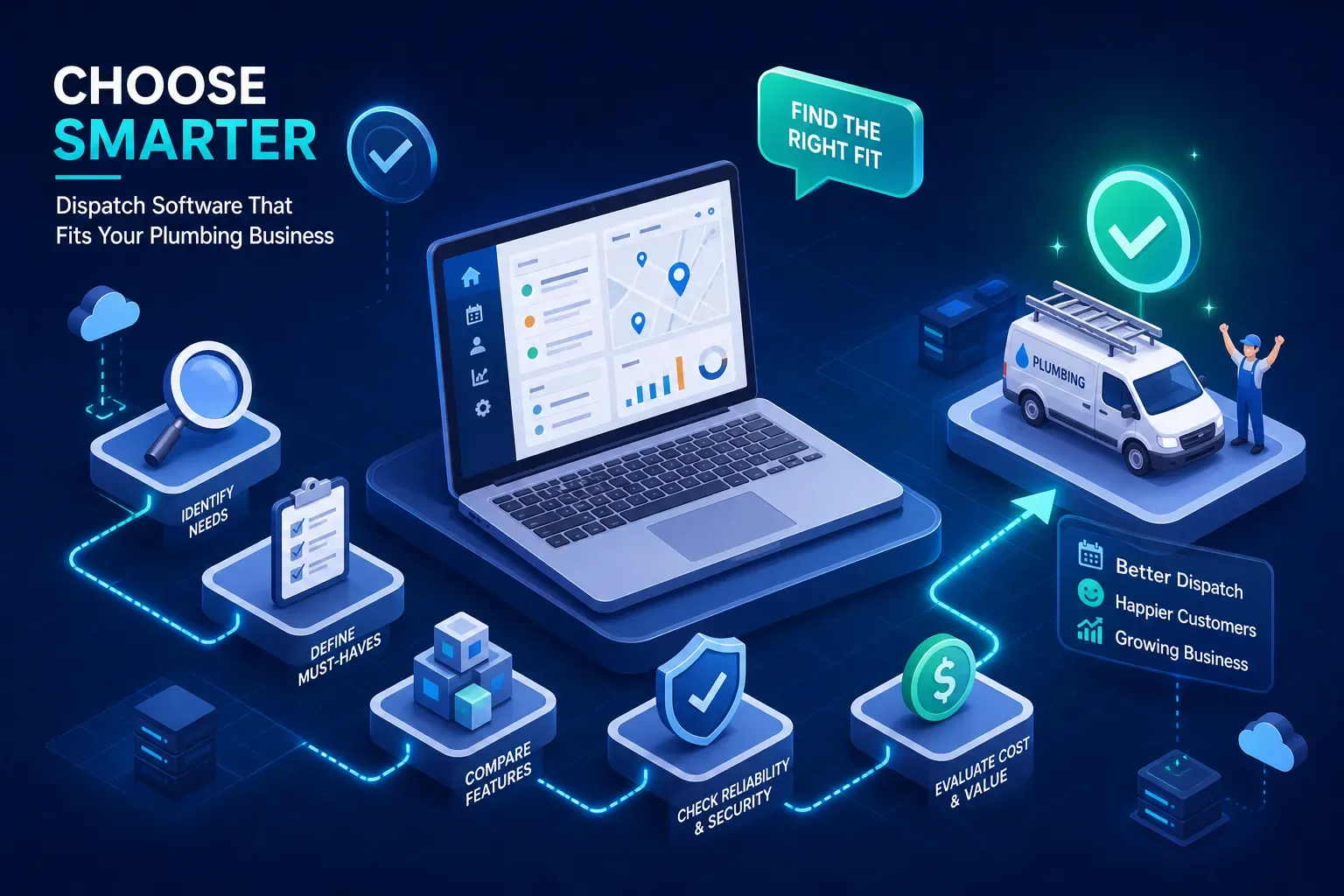
Most plumbing shop owners choose plumbing dispatch software based on whoever gave the most polished demo. Many report walking out of a sales call impressed, signing a contract, and spending the next three months fighting the implementation. The software wasn't wrong, exactly. It just wasn't the right fit for where their business actually is.
This guide skips the demo hype. It covers what dispatch and scheduling tools for plumbers actually do, which platforms fit which shop size, what they cost in 2026, and where every single one of them falls short. Tools like Maximus have shown what's possible when you layer AI on top of a dispatch stack, but before you get there, you need the right dispatch foundation. Start here.
What plumbing dispatch software actually does
The core job: scheduling, routing, and field visibility
Every credible dispatch tool handles three things: assign the right tech to the right job, show you where that tech is, and keep the customer informed. When those three functions work together, you can significantly reduce double-booking, cut wasted drive time, and reduce the callbacks that come from customers who had no idea when someone was showing up. A solid plumbing scheduling system replaces the whiteboard and the constant back-and-forth between the office and the truck.
The difference between a good tool and a mediocre one shows up in the details. Does the routing engine account for traffic in real time, or does it just spit out a static map? Does the customer notification fire when the tech actually leaves, or when someone in the office manually triggers it? Those details determine whether your crew runs efficiently or spends the day reacting.
Where most shops are before they buy
Many shops under $2M in revenue rely on a shared Google Calendar, a group text thread, and someone's memory. Jobs get missed. Techs show up to jobs that were rescheduled an hour earlier. Nobody knows where the crew is until someone calls to check. This isn't a hypothetical, it's the daily reality for a large portion of independent plumbing contractors still running lean.
The jump to a proper field service dispatch app changes the daily rhythm of the whole operation. Dispatchers stop playing phone tag. Techs stop getting surprised. Customers stop calling to ask where their plumber is. Many shops see that shift pay for itself quickly, sometimes within weeks according to vendor case studies, though results depend on shop size and how fully the team adopts the tool.
Plumbing dispatch software features that actually matter
Scheduling and job management
Drag-and-drop scheduling is table stakes. What separates useful tools from frustrating ones is how they handle pressure: recurring maintenance jobs that have to run on schedule, service windows that need to flex, and the emergency call that comes in at 2pm when the board is already full. Emergency handling needs to be a first-class feature, not a workaround, especially for drain emergencies and water heater failures. Shops need to slot in urgent calls without reorganizing the entire day.
Look for tools that let you insert emergency jobs by priority, not just by time slot. If the only way to add an urgent call is to manually drag five other jobs around the board, you'll lose time every single day on exactly the scenarios that matter most to your customers.
GPS tracking and technician routing
Real-time technician location, route optimization, and customer ETA notifications are connected features, not separate ones. GPS data should feed the dispatch board, update the customer, and help you catch when a tech is stuck before a job goes sideways. Industry data tracking plumbing operations with and without dispatch software shows technicians completing roughly 4.6 jobs per day with software versus 3.1 without it. That gap comes directly from better routing and fewer wasted miles.
One thing to check before you buy: how frequently does the platform update technician location? Update frequency varies by platform and device, some tools refresh on a fixed schedule while others update continuously based on movement. On a busy day with six trucks, that difference can mean the gap between catching a problem early and finding out about it when the customer calls to complain.
Customer communication tools
Automated appointment reminders, on-my-way texts, and post-job follow-up are the features most shop owners undervalue during the buying process and complain about most after they've signed. A plumbing job management platform that handles customer communication keeps your phone quieter and your reviews better. Most customers don't need to talk to someone. They need to know their window, know when the tech is close, and know the job is done. Automate all three and your inbound call volume drops noticeably.
Top plumbing dispatch software matched to your shop size
Best for small shops and solo operators (1, 3 trucks)
For smaller operations, three platforms stand out: Housecall Pro, Workiz, and FieldPulse. Housecall Pro wins on ease of setup and a clean mobile experience. If you're going from a text thread to software for the first time, it's the lowest-friction option in the market. Workiz includes a built-in phone and communication layer that users on forums and review sites frequently cite as a differentiator at this price point, worth evaluating if your shop handles heavy inbound call volume. FieldPulse is more flexible for custom workflows, which suits smaller crews that have already developed their own operational style.
The decision criteria at this shop size aren't about features. They're about setup time, learning curve, and whether the tool actually works for a shop without a dedicated dispatcher. All three platforms are designed for quick setup, and many smaller shops report being operational within a week, though actual timelines vary by complexity. Start with the one that matches how you already think about your day.
Best for growing multi-truck operations (4+ trucks)
Jobber sits in the middle of the market and earns it. Pricing ranges from roughly $29, $49/month at the entry level up to $699/month for larger team plans depending on billing model, which gives shops room to grow without switching platforms mid-scale. It integrates cleanly with QuickBooks, supports multiple dispatchers, and has reporting that actually helps you manage performance across a growing crew. For shops scaling from 3 to 10 trucks, Jobber is a practical choice worth evaluating.
ServiceTitan is the enterprise option, built for larger shops with dedicated office staff, and the pricing reflects that. It's a serious platform with serious onboarding requirements. If you're under $2M in revenue and someone is pitching you ServiceTitan, take a step back and think hard about whether the complexity is worth it right now. Most shops that size don't need what ServiceTitan provides, and they feel it every month when the invoice arrives.
The front-office gap dispatch tools leave open
What no dispatch software handles
Even the best plumber dispatch app doesn't answer the phone at 9pm when a customer's basement is flooding. It doesn't follow up with the estimate that went cold three weeks ago. It doesn't chase the invoice that's been sitting unpaid for 45 days. It doesn't notice that a tech consistently underquotes jobs in a certain zip code. These tasks fall back to the owner or they go undone, and most shops don't notice the revenue leak until it's significant.
Common complaints from plumbing contractors across forums and review sites include missed after-hours calls, no system for following up on aging AR, and zero process for reactivating old customers. The dispatch software isn't failing. It's doing exactly what it was designed to do: manage the job board. Everything else is your problem.
How AI platforms like Maximus close that gap
This is where Maximus fits. Built specifically for home services owner-operators, Maximus layers on top of whatever dispatch platform a shop already uses, Jobber, Housecall Pro, ServiceTitan. According to Maximus product materials and documented case results, it handles the front-office work that dispatch software was never designed for: 24/7 call answering and job booking, aging accounts receivable follow-up, dormant customer reactivation campaigns, and a daily 7am briefing on what happened overnight and what needs attention today.
It's not a replacement for a field service dispatch app. It's what makes the dispatch app actually complete. Maximus was proven inside a real HVAC company, Temperature Pros Orlando, before it was ever sold to anyone else: $31,000 recovered from a single reactivation campaign, $12,400 in aging AR collected within 90 days. For shops running $1M to $5M in revenue, combining a plumbing dispatch software platform with Maximus offers a front-office and back-office stack that would otherwise require significant additional headcount.
What plumbing dispatch software costs in 2026
Transparent pricing vs. sales-gated quotes
Housecall Pro publishes clear, commonly cited pricing tiers. Plans run $59/month (Basic), $149/month (Essentials), and $299/month (MAX), all billed annually. Month-to-month pricing runs slightly higher at $79, $189, and $329. Most other major platforms, including ServiceTitan, Workiz, FieldPulse, and ServiceFusion, don't publish pricing publicly. You need a demo to get a number. That's not inherently bad, but it means you need to budget more time for the evaluation process before you can compare actual costs.
Jobber is the one exception among the mid-market tools. Pricing ranges from roughly $29, $49/month for the Core plan up to $699/month for the Plus plan depending on billing model and team size. That gives you a real number to work with before you talk to anyone in sales.
What to expect at each spend level
As a general market guide, the tiers break down roughly like this:
- Under $100/month: Basic scheduling, dispatch, and limited routing with minimal reporting.
- $100, $300/month: Fuller feature sets, GPS tracking, customer notifications, and QuickBooks integration.
- Above $300/month or on a custom quote: Enterprise territory, multi-location support, advanced routing, deeper reporting, and dedicated onboarding.
Most shops under $2M in revenue don't need the top tier. The instinct to buy the most feature-rich platform is understandable, but a complex tool that your techs ignore is worse than a simple one they actually use. Start with what fits your shop now and upgrade when the volume demands it, not before.
How to evaluate and choose the right tool
Trial tips and deal-breakers to watch for
Many platforms offer a free trial or demo period, confirm with each vendor before you budget your evaluation timeline. Use the trial to run a real week of jobs, not a sandbox exercise with fake data. The things that matter in a trial are how long setup actually takes, whether the mobile app works without coaching your techs, and how customer notifications look on the receiving end. A dispatch tool that your crew ignores after two weeks is worse than no tool at all. You're paying for adoption, not software.
The most common complaints across plumbing contractor forums and review sites center on three areas: pricing that creeps up with add-ons, mobile apps that fail in low-signal environments like basements and crawl spaces, and onboarding that takes far longer than the sales team promised. Ask about all three before you sign anything.
Questions to ask before you commit
Before signing, ask the vendor directly: Does the mobile app work offline? How does emergency job insertion work mid-day when the board is full? What does the QuickBooks sync actually cover, and does it go both directions? How long until we're fully live, not just set up? The answers separate platforms built for real field service operations from the ones built for demos. Vendors who answer those questions with specifics are the ones worth trusting.
The right plumbing scheduling software for your operation makes your first week easier, not harder. If setup feels painful during a trial, it won't get better after you've signed a 12-month contract.
The bottom line on picking plumbing dispatch software
There's no single best tool for plumbing dispatch. There's the best fit for your current shop size, crew, and workflow. Small shops and solo operators should start with Housecall Pro, Workiz, or FieldPulse. Growing multi-truck operations should look hard at Jobber and evaluate ServiceTitan only when the revenue and office staff can absorb the complexity. Pricing ranges from around $49/month to several hundred on a custom quote, and the right tier is the one that matches where you are now.
Plumbing dispatch software handles the job board, scheduling, routing, and field visibility. What it doesn't handle is the after-hours call when a basement is flooding, the 45-day-old invoice nobody has chased, the cold estimate, or the customer who hasn't called in two years. That's the gap AI platforms like Maximus exist to fill, sitting on top of whatever dispatch tool you already run. Together, they cover the full operation in a way that no single platform can do alone.
The next step is a trial, not a commitment. Pick one plumbing dispatch software option from the shortlist that fits your truck count, run it on real jobs for two weeks, and see how your team actually responds. That's the only evaluation that matters. Reach out to our team at Maximus if you want to talk through how the front-office layer fits on top of whatever you're already running.