HVAC Customer Management Software: The Complete Guide
Anecdotally, most HVAC owners end up with software their trade buddy recommended, and that's not a criticism.
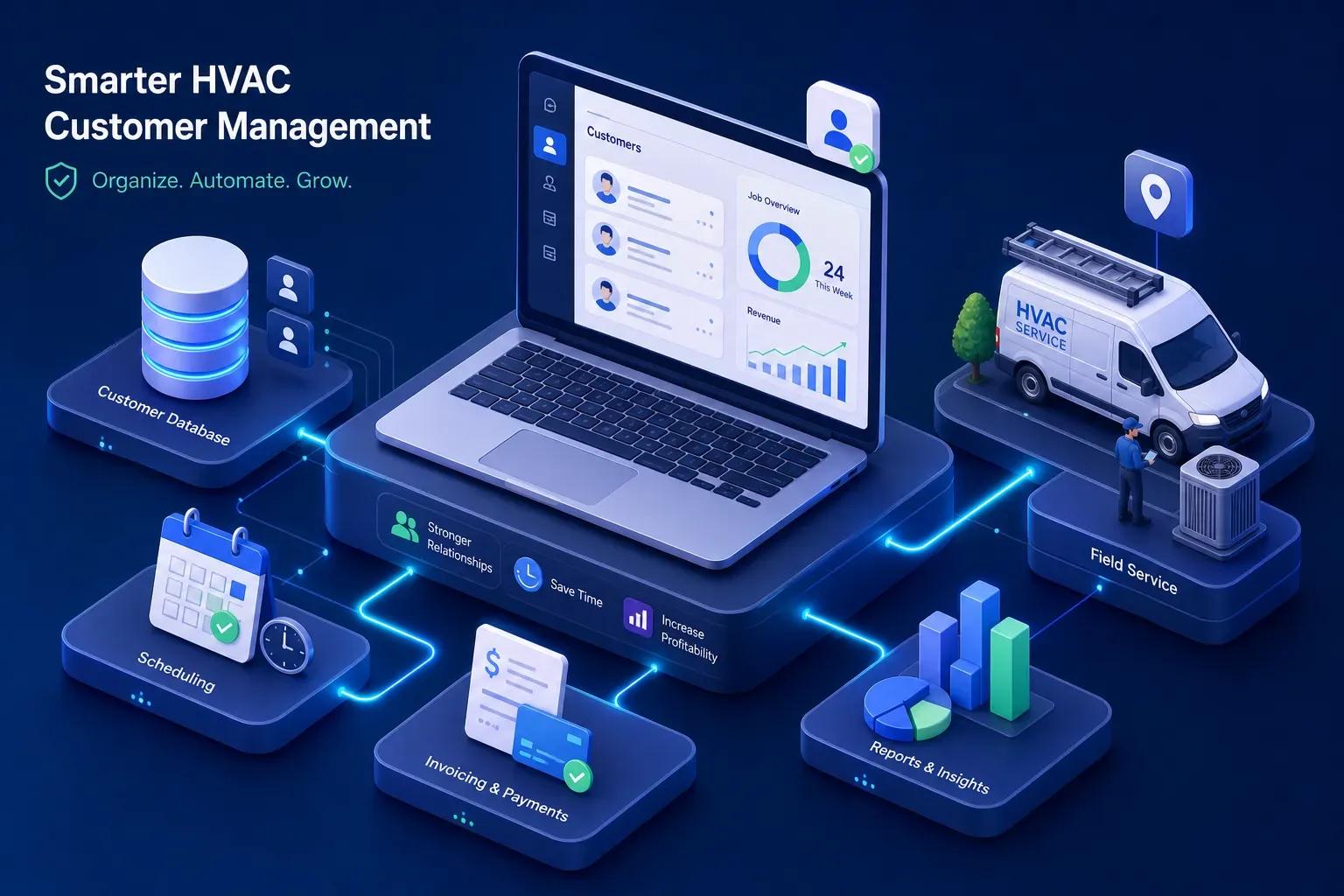
Anecdotally, most HVAC owners end up with software their trade buddy recommended, and that's not a criticism. The market for HVAC customer management software is genuinely confusing: many platforms, pricing pages that hide what you actually need to know, and vendor marketing that all sounds identical. This guide cuts through it. You'll walk away knowing what these platforms actually do, which features matter at the small-shop level, how to build a realistic shortlist, what ROI looks like in practice, and where AI is starting to change what "managing customers" even means for an owner-operator running a $1M, $5M shop.
What HVAC customer management software actually does
More than a contact list
The core job of these platforms is connecting every customer touchpoint in one place. Scheduling, job history, invoicing, follow-up, and equipment records all live together instead of scattered across spreadsheets, a whiteboard in the shop, and your phone's call log. For most small HVAC operations, this alone is a significant operational shift. The platform becomes the operational record of the business, not the owner's memory.
Where CRM ends and field service software begins
A lot of the confusion in this category comes from mixing up two different tool types. A general-purpose CRM like Zoho or HubSpot is built to track leads and contacts. An HVAC-native platform, sometimes called HVAC CRM software, handles dispatch, mobile work orders, flat-rate pricebooks, and integrated invoicing. For most small shops, the HVAC-specific tool wins without much debate. It's built around how technicians actually work in the field, not around a sales pipeline that doesn't map to a service call.
The job the software tracks but doesn't do
Here's the honest limitation that most buyers miss when they're comparing feature checklists. These platforms are excellent record-keepers. They log the missed call, flag the overdue invoice, and store the dormant customer's last service date. But even the best HVAC customer relationship management tools have gaps: while most include built-in automations for appointment reminders and payment nudges, they still fall short on fully automated outbound outreach and 24/7 call handling. The invoice doesn't chase itself past 60 days. The customer who hasn't booked in 18 months rarely gets a live call from a dashboard notification alone. This gap becomes more obvious six months after go-live when the data is clean but the revenue leaks haven't stopped.
HVAC Customer Management Software Features That Actually Matter for Small Shops
Scheduling and dispatch that doesn't create more work
Good scheduling in an HVAC platform means drag-and-drop calendar management, real-time technician availability, automated customer confirmations, and GPS dispatch. The ROI here is straightforward: fewer double-bookings, less time on the phone confirming appointments, and a dispatcher who isn't managing everything from sticky notes. One important detail to confirm before signing up: some platforms charge extra for GPS tracking or real-time technician dispatch software features at the base tier. Verify exactly what's included before you commit to a contract.
Invoicing, payment collection, and pricebook integration
Small shops lose money in two predictable places: jobs they under-quote and invoices they don't collect on time. A solid HVAC service software platform handles flat-rate pricebooks, field-created invoices, and integrated payment processing so technicians can collect on-site rather than sending a bill and hoping. The QuickBooks sync is non-negotiable for most shops: your field software needs to push invoice and payment data to QuickBooks without manual re-entry, or you've just created a second accounting problem.
Follow-up automation and integration depth
At the small-shop level, automation should cover appointment reminders, estimate follow-up, review requests after a closed job, and seasonal maintenance reminders. Beyond that, the integrations to vet before signing are QuickBooks and your phone system at minimum, Google Calendar support varies by vendor, so confirm it on a demo rather than assuming it's included. Shops that skip vetting integrations during evaluation end up with data silos and manual workarounds six months later. Ask the vendor exactly what syncs natively versus what requires a third-party connector.
Five platforms worth putting on your shortlist
Jobber and Housecall Pro: the small-shop starting point
Jobber (around $149/month for up to 5 users on the Connect plan, $299/month for up to 10 on Grow, per current vendor pricing) and Housecall Pro (roughly $349, $549/month for comparable team sizes, though tiers vary, confirm on their site) are the natural starting points for shops under $1M in revenue or those new to field service management software. Jobber wins on simplicity, integration depth, and quoting flexibility for mixed residential and commercial books. Housecall Pro wins on mobile-first scheduling, consumer-facing booking tools, and built-in marketing automation for residential-heavy operations. Neither is a bad choice for a small team that needs to get organized without a six-week onboarding process.
ServiceTitan and FieldEdge: when you need more depth
ServiceTitan uses custom pricing and is built for shops that are scaling and need enterprise-level dispatch, marketing automation, and deep reporting. FieldEdge suits shops that are QuickBooks-heavy and want the tightest bidirectional real-time sync available, plus the Coolfront flat-rate pricebook built in. Both require a sales call to get pricing and carry steeper learning curves than the entry-level options. They make sense once a shop is consistently above $1M in revenue and has office staff managing the system, not the owner personally.
A note on Service Fusion and FieldPulse
Service Fusion (starting around $192, $245/month) offers flat-rate pricing without per-user fees, which makes the math different for shops adding headcount. FieldPulse works well for teams focused on proposals and pricebook management. Neither is the obvious first choice for most shops, but both fill specific gaps that Jobber and ServiceTitan don't cover for certain business models. Worth a look if your shortlist doesn't feel quite right after testing the top two.
How HVAC Customer Management Software Affects Real ROI
Where the payback comes from
The strongest ROI from HVAC scheduling and billing software comes from four repeatable levers: fewer missed calls that become lost jobs, faster follow-up on unsold estimates, fewer hours spent on admin, and tighter invoice collection. Published case study figures illustrate what's possible: one 22-person HVAC company reported 916% net ROI in year one; another shop recovered its software investment in 45 days and exceeded 4,200% ROI over 18 months; a family-owned operation cut admin time by 50% while tripling bookings. These are vendor-reported results, your mileage will vary, but they reflect a consistent pattern: structure replaces memory, and the numbers follow. FieldEdge cites 138% ROI in the first year as a benchmark, with 20-plus hours saved per week and 60% less time managing service agreements.
Realistic expectations for a small shop
A shop moving from manual operations to a structured HVAC business management system should expect meaningful payback within the first quarter. The typical levers are recovering underquoted jobs, collecting faster on open invoices, and reducing the time the owner spends on dispatch and customer callbacks. Most small shops under $2M report payback well inside 12 months, with some seeing it in weeks when deployment is focused and the team adopts quickly. What the platforms don't handle automatically is the part the next section covers.
What AI is changing about customer management for HVAC owners
The gap between tracking and acting
Platforms like Jobber or ServiceTitan are built to organize and record. They surface the information. The aging invoice sits in the dashboard. The dormant customer's last service date is right there in the record. The missed after-hours call is logged. But the owner-operator still needs someone to act on all of it. The invoice still needs a call. The dormant customer still needs an outreach campaign. The after-hours caller still needs a follow-up before that homeowner books a competitor. This is the gap AI-powered tools are now filling, and it's reshaping what "customer management" actually means for a small shop.
How Maximus layers on top of existing software
Maximus is built specifically for this problem. It integrates directly with Jobber, Housecall Pro, and ServiceTitan, then handles the work those platforms track but don't fully execute: answering calls 24/7 and booking jobs, chasing invoices past 30 and 60 days, running dormant customer reactivation campaigns pulled from QuickBooks history, and sending the owner a 7am briefing on what happened overnight and what needs attention today. It's not a replacement for the field service platform. It's the action layer on top of it. Per Maximus pilot data, early participants pulled over $31,000 from a single reactivation campaign and collected $12,400 in aging accounts receivable within 90 days, without adding a single office staff member.
How to choose and actually make the switch
Three questions that narrow the shortlist fast
Most shops overthink platform selection because they evaluate features they'll never use. Three questions cut through it fast:
- What's your current revenue and team size? That alone eliminates half the market.
- Do you already run QuickBooks, and how critical is a clean sync? If the answer is yes and very, that narrows things further.
- Do you need the software to take action, or just track it? If you're already using a platform but still chasing invoices manually and losing after-hours calls, you need the action layer, not a new platform.
What to ask on a demo call and what a migration really takes
On a demo, verify three things: Is scheduling and invoicing included at the base price or available as an add-on? How does data import from your current system work, and what's the quality of customer history after migration? What does support look like during the first 60 days, not just the setup call?
Most platforms claim 48, 72 hours to get running. In practice, a real migration including customer history, job records, and pricebook setup runs 1, 3 weeks for a simple move and 3, 6 weeks for a mid-tier platform switch. Plan for parallel operation during that window so nothing falls through during cutover.
The right tool for where your shop actually is
The right HVAC customer management software doesn't need to be the most feature-rich option on the market. It needs to match the size of the shop, connect cleanly to QuickBooks, and make the daily operational load lighter. For most small shops, that's Jobber or Housecall Pro to start. For shops scaling past $1M with an eye on exit value or a second location, ServiceTitan or FieldEdge is worth the steeper onboarding.
For any shop already using field service software but still chasing invoices manually, losing after-hours calls, and leaving dormant customers untouched in the database, the bigger opportunity isn't switching platforms, the data is already there. What's missing is the layer that turns it into revenue. Start with a demo of the HVAC customer management software that fits your current size. Ask hard questions about what happens after the software logs the job. That's where the real money is.